How to Create a Lead Magnet: A 5-Page Workbook for Coaches
how to create a lead magnet: turn one coaching exercise into a focused five-page workbook, then connect it to a clear opt-in and useful follow-up.
By Ultimate Coaching Kit by Cosmo Suite · Editorial policy
Published · 7 min read

Your notes from a good coaching session may help someone else. Turning them into a resource can still take longer than expected. Start with one familiar problem and make a short workbook that gives the reader a clear next step.
A lead magnet is a resource offered in exchange for a visitor's contact information, such as a workbook, checklist, or guide. A coach can adapt one session exercise into a short workbook, state exactly what it helps the reader do, and explain the email exchange. The five-page example below runs from the first question through delivery. HubSpot's overview of lead magnets describes how offers, landing pages, and forms fit together.
What makes a coaching lead magnet worth downloading?
A useful lead magnet helps a specific reader take one small step, rather than trying to explain your whole coaching approach. It should leave the person with something they can name, choose, or prepare after using it.
Start with a real question people ask before they are ready to work with you. A fitness coach might hear, “How do I make a weekly routine I can keep?” A business coach might hear, “Which offer should I describe first?” Choose one question that fits your area and your actual expertise.
Then write the outcome in plain language. “Map a first-week routine” is specific. A promise to change every part of someone's life is too broad. The promise describes what the resource helps someone do, not a guaranteed personal or business result.
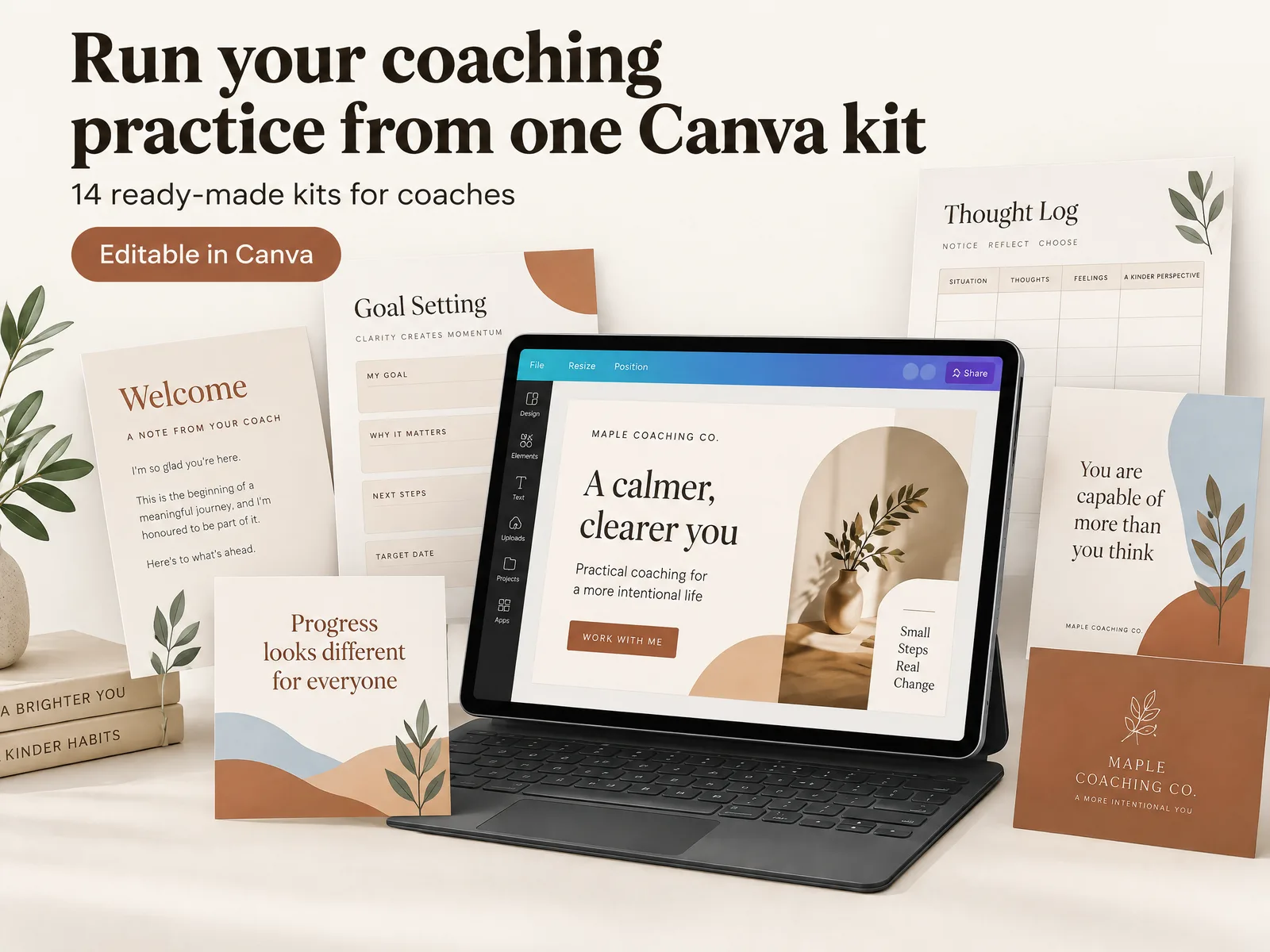
If you already have an exercise that helps a person move from uncertainty to a next step, you may have the starting point for a workbook. A ready-made workbook creator for coaches can give you pages to edit in Canva, while this page-by-page workbook template shows how different page types support the progression.
The five-page lead magnet plan at a glance
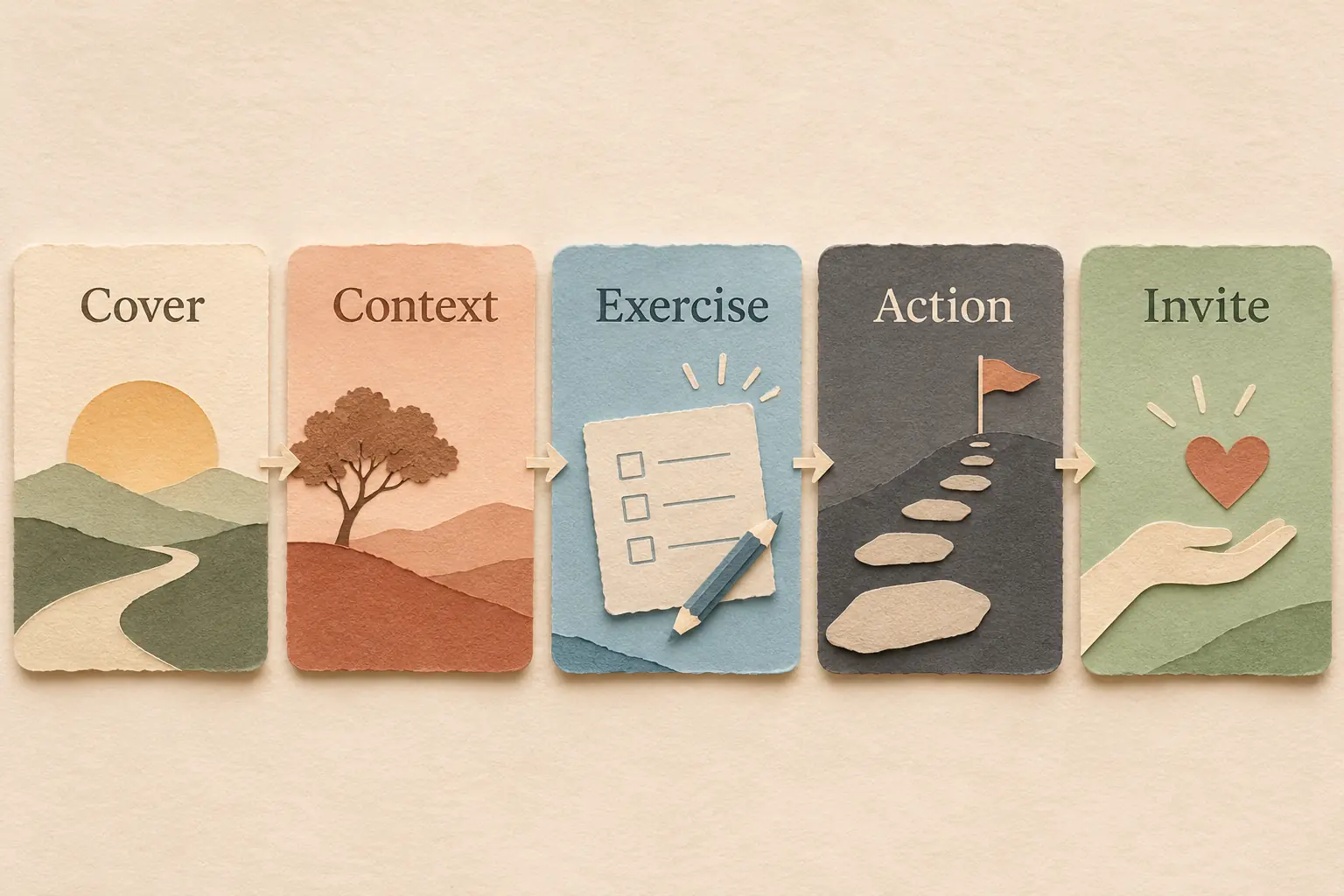
Use the table as a small build plan. Each page earns its place by moving the reader from a clear question to a specific action.
| Page | Job | Reader leaves with |
|---|---|---|
| 1. Cover and promise | Name the audience and task | A clear reason to continue |
| 2. Quick context | Explain when to use the exercise | A simple starting point |
| 3. Guided exercise | Ask focused prompts | Their own notes or choices |
| 4. Decision or action | Turn notes into one next step | A plan they can try |
| 5. Recap and invitation | Summarize and explain what comes next | A useful close and optional next step |
Five pages keeps this example focused. A checklist might need one page, while a multi-stage workbook could need more. Choose the length after you know what the reader needs to do.
How to turn one coaching exercise into a workbook
Build the resource around one exercise you can explain without a live session. This keeps the content focused and makes it easier to separate a safe self-guided activity from work that needs your direct support.
Page 1: Name the reader and the result
Write a title that says who the workbook is for and what it helps them do. “Plan a calmer first week of online coaching” gives more direction than “The Ultimate Success Guide.” Avoid claims about income, clients, healing, or guaranteed change.
Add a short description of what the reader will do. For example: “Use these prompts to choose one priority, identify a likely obstacle, and write down a next step.” That is a process promise you can support. It does not predict what will happen afterward.
Page 2: Set context without adding a lecture
Give the reader just enough context to begin. Explain when the exercise is useful, what materials they need, and how long they may want to set aside. Do not add an unsupported time estimate if you have not tested the exercise.
One short example can make an abstract prompt easier to answer. Label a made-up scenario as illustrative. Do not present a fictional example as a client result or testimonial.
Page 3: Guide the exercise
Put the central prompts in a useful order. Start with observation, then help the reader sort or interpret what they wrote. Leave enough room for answers if they will print the workbook, or use clear fields if they will fill it on screen.
An exercise about a weekly routine might ask the reader to list fixed commitments, choose one behavior to make room for, and note a likely obstacle. A business exercise might ask them to name one audience, one problem they can help with, and one example of how they approach it.
For a longer process, this guide to creating a workbook walks through planning page types and arranging the sequence before design begins.
Page 4: Turn answers into one action
Help the reader use their own notes. Ask them to choose one next action, when they will try it, and what might get in the way. Keep the action small enough to be clear. A worksheet is more useful when its last prompt connects to what the earlier pages asked.
Check the exercise for assumptions. Could someone answer without private information? Is any prompt likely to be confusing without your explanation? Does the activity touch mental health, physical health, money, or another area where a coach should state the limits of their role? If so, revise the wording and refer the reader to a qualified professional when appropriate.
Page 5: Recap and give a clear next step
Summarize the exercise in a few lines and invite the reader to choose what happens next. That might mean using their plan, exploring another resource, or learning about your coaching. Make the invitation optional and accurately describe what follows.

If you invite readers to join an email list, say what kind of email they will receive and how often if you know. The FTC's CAN-SPAM guide explains requirements for commercial email, including accurate sender information and a way to opt out. Email rules differ by location, so check the requirements that apply to your audience.
Connect the workbook to a simple opt-in path
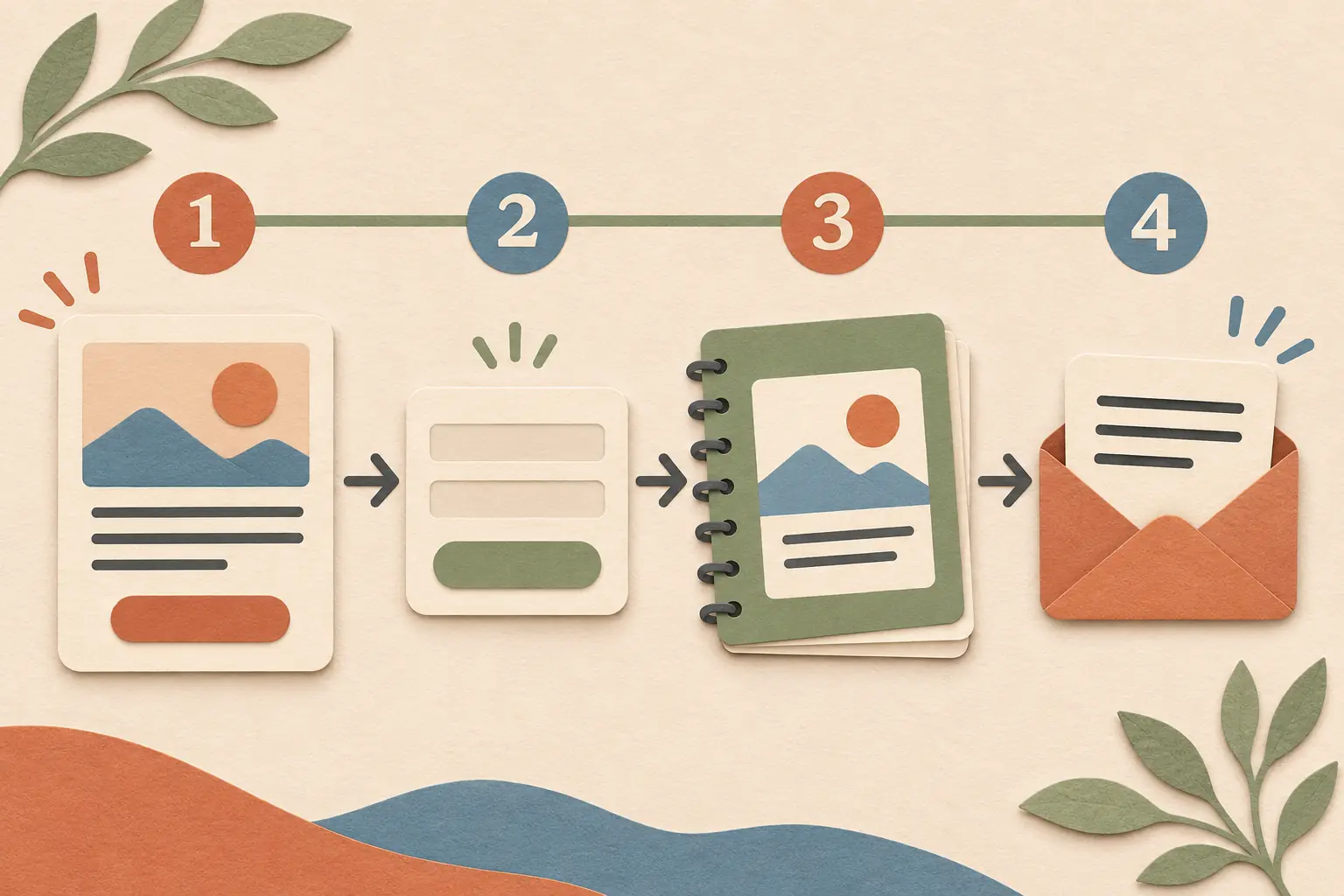
The reader needs to know what the PDF contains, how to request it, and where to find it afterward. HubSpot describes a common path that connects an offer, a landing page, a form, and delivery. Choose the parts that fit your setup. Mailchimp's email-capture guide covers ways to present an offer and collect signups.
On the offer page, state the audience, the task, and what the file contains. Keep the form limited to information you need. If you ask for an email address, explain the exchange beside the form. Then test the complete path yourself: submit the form, check the confirmation, open the delivery link, and read the first follow-up message.
The follow-up should match the promise. Send the resource first. If you plan to send ongoing marketing email, explain that before signup and make the unsubscribe route easy to find. For US commercial email, the FTC's CAN-SPAM guide requires a clear opt-out method and says senders must honor opt-out requests within 10 business days. Check the rules that apply to your audience and business.
Track page visits, form submissions, successful delivery, and a meaningful next action separately. Those counts show where readers move along the path. They cannot show whether the workbook improved someone's life or business. If people leave at the form, check the offer wording and whether you need every field you ask them to fill in.
What makes a lead magnet useful after the first download?
A lead magnet stays useful when its content is specific, complete, and easy to act on. A coach's ready-made set of worksheets and marketing templates can support the design work, while the prompts and next step still need to fit the reader's task.
- One audience: Write for one kind of coach's reader, not every possible client.
- One task: Keep the workbook tied to one question or decision.
- One complete route: Make the prompts lead to a next action instead of stopping at reflection.
- One honest invitation: Tell readers what the form and follow-up involve.
- One review loop: Look for unclear questions, broken delivery, or outdated information and revise when needed.
Before publishing, read every page aloud and test the file on a phone and a printed page if both formats matter. Check the links, spelling, contrast, and writing space. Ask a colleague to follow the prompts without your explanation. Treat their feedback as a usability check, not as proof of market demand.
If you want to compare a workbook with a shorter download, this Canva ebook template guide explains how to choose a format for the job. For a repeatable page structure, see the Workbook Creator template overview. You can also explore Ultimate Coaching Kit's coaching workbook and marketing templates if you want ready-made pages to edit in Canva.
Where Ultimate Coaching Kit Fits
Ultimate Coaching Kit includes a Workbook Creator alongside other Canva kits for coaching materials and marketing. It can give you page layouts to edit while you write the prompts and decide what each page should help the reader do. The kit does not choose the lead magnet topic or guarantee a response from your audience.
The Cosmo Suite team maintains this guide. We checked the linked source pages on November 6, 2026, and the product details against the approved kit contents. Read the site's editorial policy for how sources and corrections are handled. If you want a set of ready-made coaching pages to edit in Canva, review the contents before choosing a format.
Frequently asked questions
What is a good lead magnet for a coach?
A good coaching lead magnet helps one kind of reader make progress on one small problem. A short worksheet, checklist, or workbook can work when it produces a clear next step without promising a coaching result.
How long should a coaching lead magnet be?
There is no universal page count. Keep it as short as the job allows. A five-page workbook is a useful planning constraint for one exercise, not a performance benchmark.
Should a lead magnet be free?
Many coaches offer one at no charge in exchange for an email address, but the choice depends on your business model and audience. State the exchange clearly before someone submits a form.
Can I make a lead magnet from a coaching exercise?
Yes, if the exercise is safe to use on its own and gives the reader a complete small outcome. Remove private client details, explain its limits, and avoid presenting coaching support as therapy or clinical care.
What should happen after someone downloads it?
Send the promised file, explain what the reader can do next, and follow up only in the way you disclosed. Marketing email must follow the rules that apply where you and your subscribers are located.
How do I know whether the lead magnet is useful?
Check whether the right visitors understand the offer, complete the form, receive the file, and use the next step. Compare those stages over time; a download count alone cannot show whether the resource helped.
Sources
Keep reading
Workbooks and lead magnets
Workbook Template for Coaches: Plan Each Page With a Clear Job
workbook template for coaches: plan a clear goal, module divider, exercise, reflection, and next step for a useful client or workshop workbook.
· 7 min read
Workbooks and lead magnets
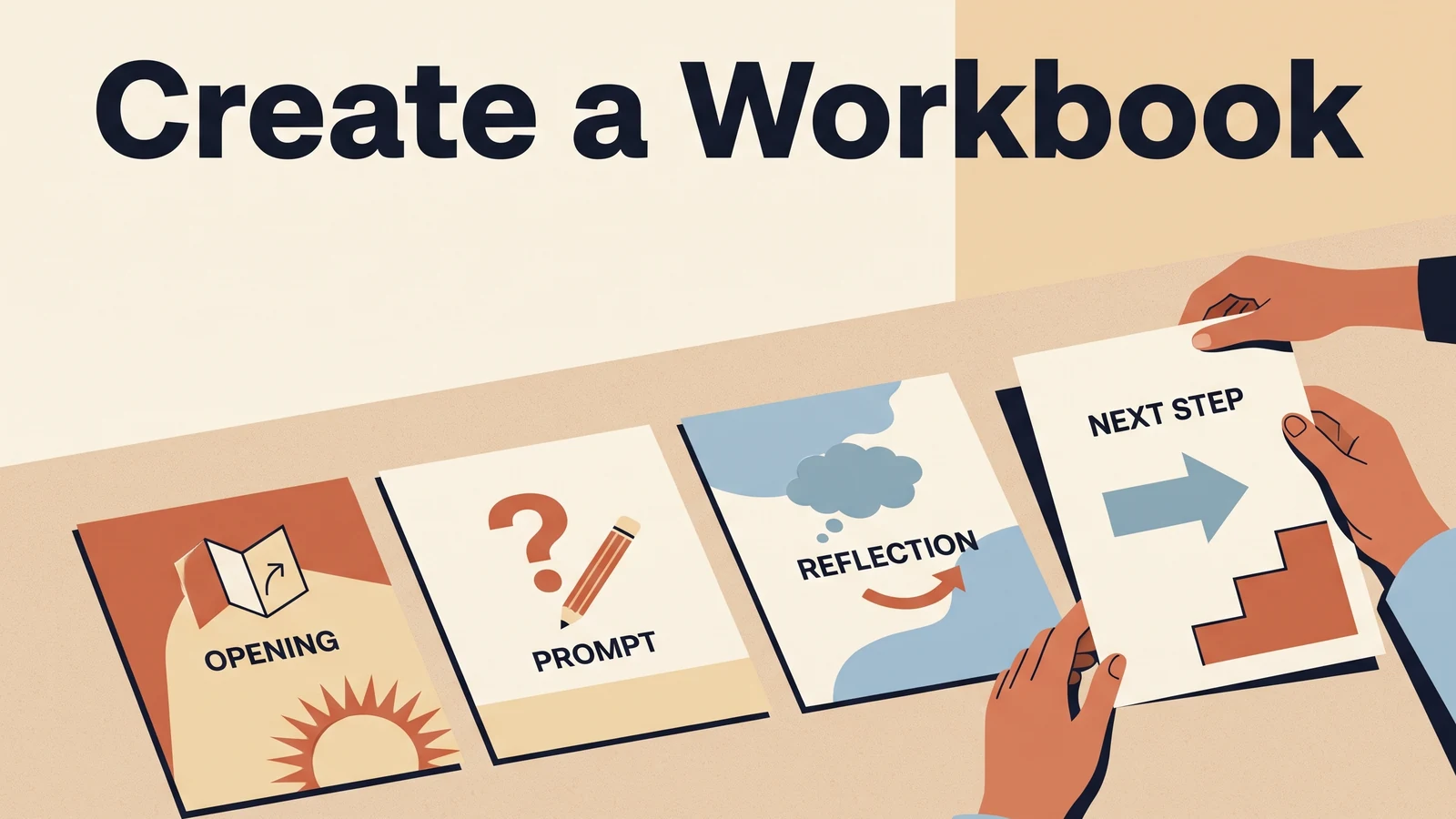
How to Create a Workbook in Canva for Your Coaching Work
Create a workbook in Canva by choosing one reader task, mapping the pages, writing useful exercises, and checking the exported PDF before you share it.
· 8 min read
Workbooks and lead magnets
Ebook Template Canva: Make a Coaching Freebie People Can Use
Ebook template Canva: plan a coaching freebie, choose a reading size, shape each section, and export a practical PDF your audience can use.
· 9 min read