Ebook Template Canva: Make a Coaching Freebie People Can Use
Ebook template Canva: plan a coaching freebie, choose a reading size, shape each section, and export a practical PDF your audience can use.
By Ultimate Coaching Kit by Cosmo Suite · Editorial policy
Published · 9 min read
A coach can finish a useful lesson and still lose an afternoon deciding whether to turn it into an ebook, a workbook, or a stack of posts. The format matters less than the reader's next step. If someone needs a short explanation they can keep, an ebook may fit. If they need to make choices or practice, a workbook may serve them better.
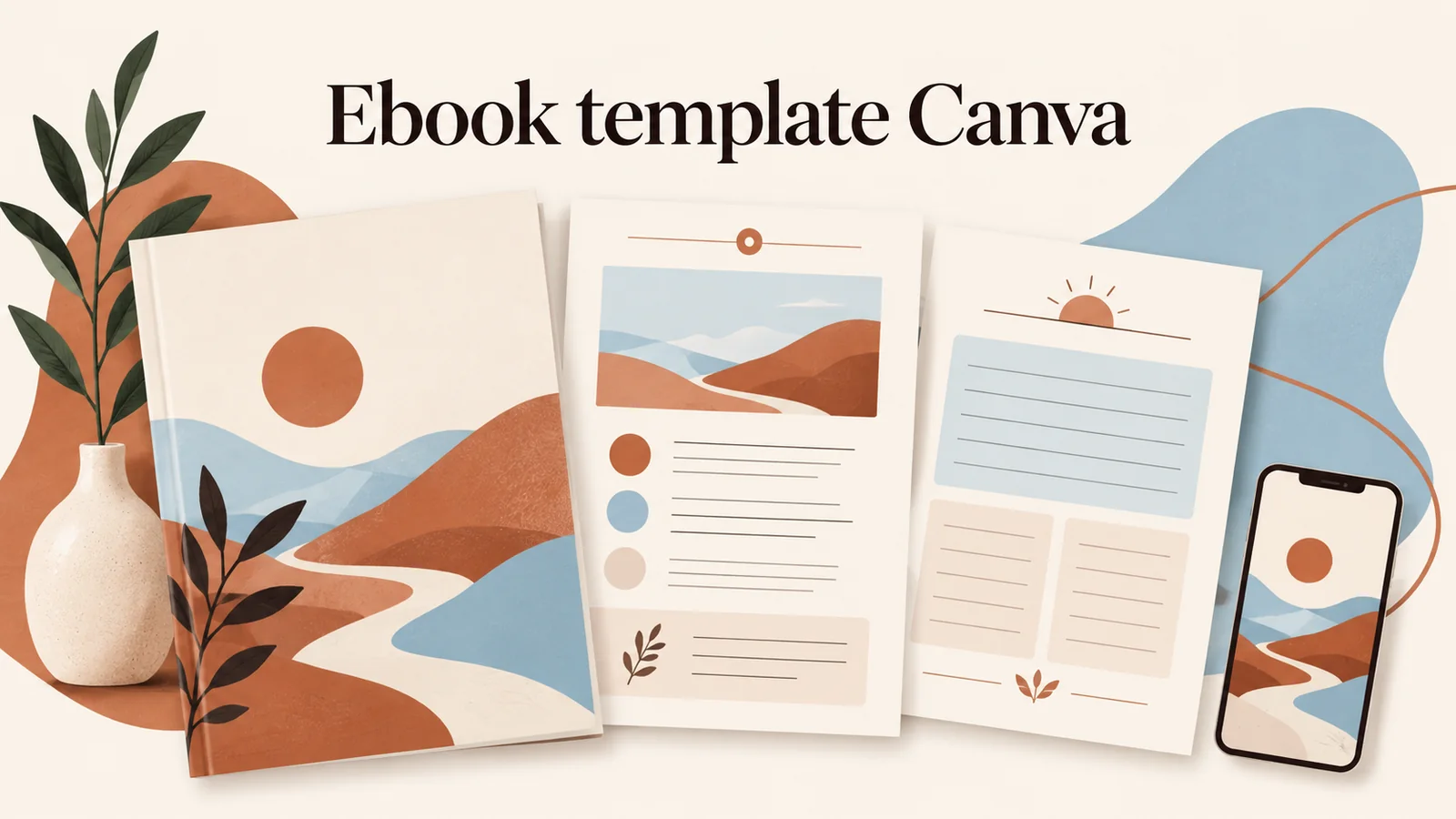
Ebook templates are reusable page layouts for a digital guide. In Canva, one gives you a visual starting point; you still choose the structure, write for one reader need, and check the exported file. This guide walks through those decisions for a coaching freebie, from the first page to the PDF test.
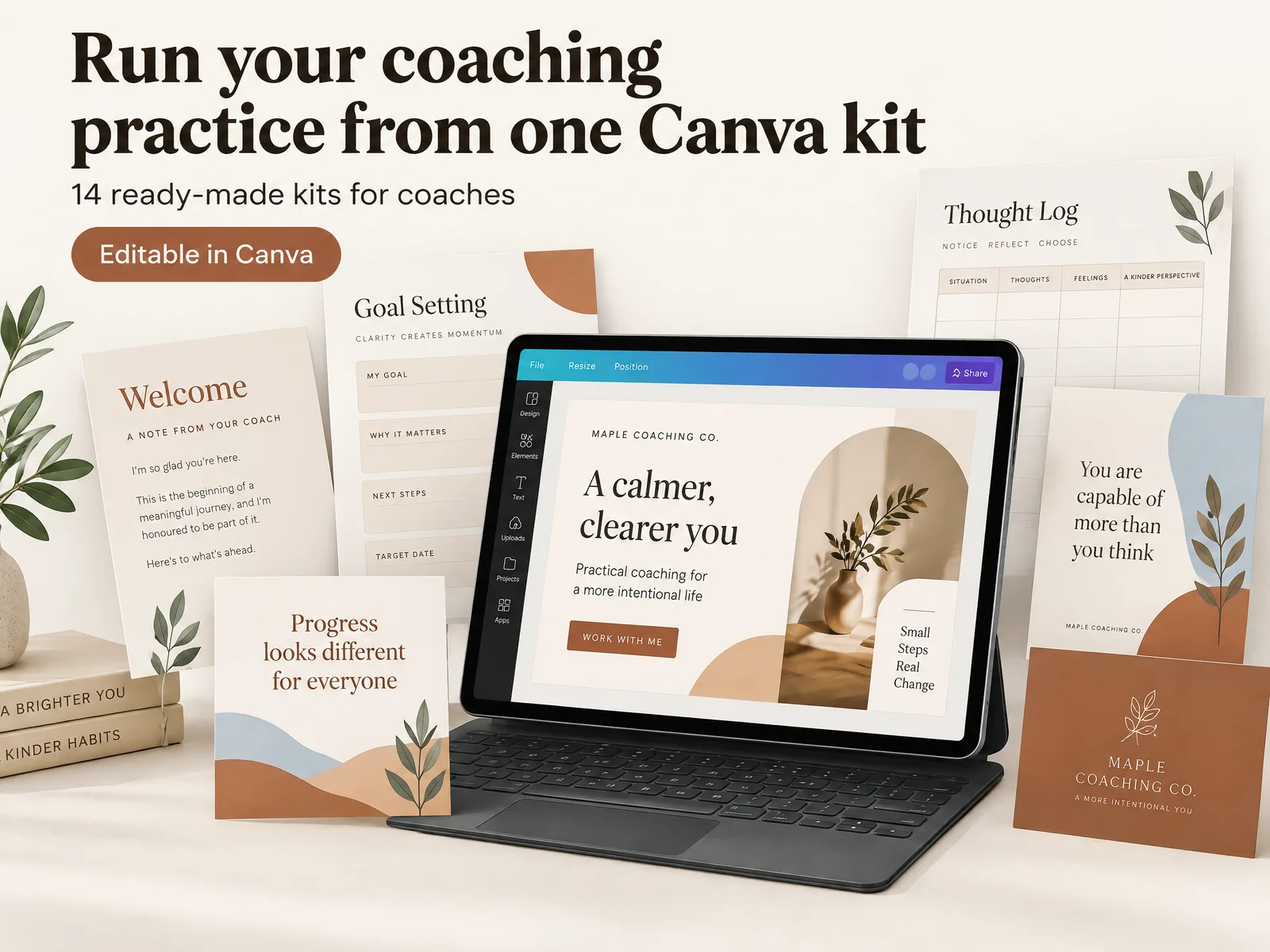
If you want a coordinated set to review, Ultimate Coaching Kit's client and marketing materials offer a starting point.
Ebook or workbook: choose by the reader's task
An ebook is strongest when the reader needs a guided explanation; a workbook is stronger when the reader should do something on the page. You can combine both, but give each page a clear role.
| Reader's need | Better starting format | Page pattern | What to check |
|---|---|---|---|
| Understand an idea | Ebook | Short lesson, example, summary | Can the reader follow the idea without you? |
| Make a decision | Workbook | Criteria, prompts, decision space | Is there room to think and write? |
| Practice a process | Workbook or hybrid | Step, exercise, reflection | Does each exercise connect to the lesson? |
| Prepare for a conversation | Ebook | Questions, context, next step | Is the guidance clear and within your service? |
| Save a reference | Ebook | Headings, checklist, quick lookup | Can the reader find the needed section again? |
A four-page guide can answer one specific question well. A longer workbook needs each page to help the reader move forward. Start with the task, then select the page pattern.
The coach's kit guide maps materials by job. For an ebook, keep the route through the idea compact and add exercises only when they clarify it.
Plan the ebook before opening Canva
Write a one-sentence promise about what the reader will understand or prepare after using the guide. Keep it within your coaching service and avoid promising a result you cannot control. Then identify the reader, the moment they need help, and the action the guide should make easier.
Use this small planning card:
| Prompt | Example for a hypothetical business coach |
|---|---|
| Reader | A solo consultant considering a clearer service offer |
| Moment | Before writing a discovery-call description |
| One question | What should I explain before someone books? |
| Useful finish | A short list of points to include in the service overview |
| Out of scope | A promise that the guide will bring in clients |
This is a planning example, not a customer result or a claim about the product. It narrows the subject enough to guide every page. If your outline contains several unrelated questions, split them into separate resources or make a deliberate series. One focused file is easier to explain and easier for a reader to use.
For that hypothetical service-overview guide, a compact page map could be: cover; who the service is for; the problem it addresses; what a first conversation covers; a short list of questions to consider; and a next step. If the reader needs to make a choice, add a small prompt on the question page. If the guide only explains the service, the prompt may be unnecessary. This keeps the layout tied to the purpose instead of borrowing page count from another ebook.
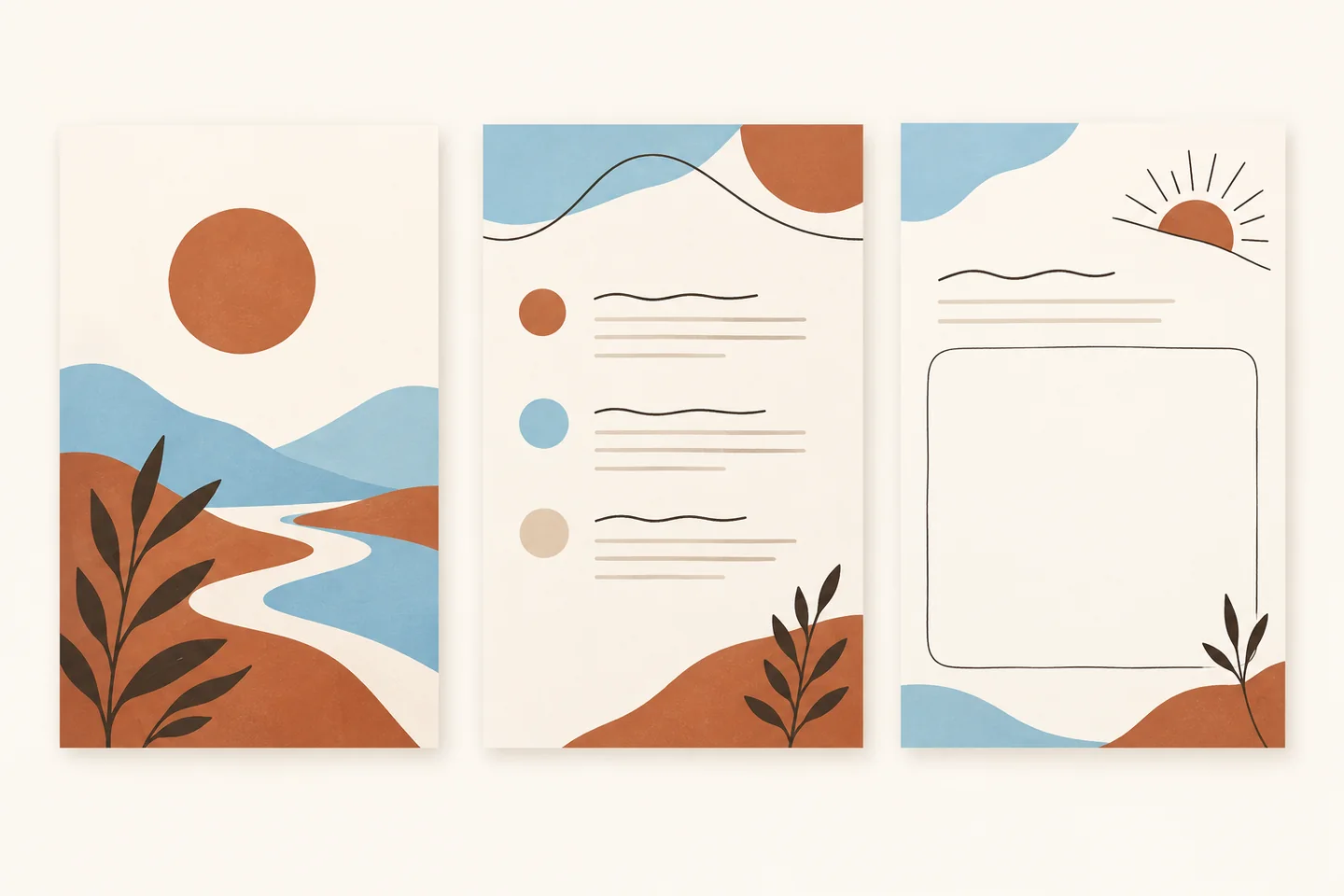
Before designing, list the sections in reading order. A simple guide might include a cover, a short orientation, three teaching sections, one worked example, a recap, and a next step. A workbook may add space for notes or an exercise. The contents should earn their place by serving the guide's one job.
Build a page sequence that carries one idea
A useful ebook template is a repeatable page system, not a collection of decorative spreads. Decide what each page needs to do before choosing layouts.
Cover: name the reader and the subject
Give the guide a specific title that explains its subject. Add a short subtitle only if it clarifies the intended reader or use. Avoid a vague promise such as “transform your business.” A cover should help someone recognize the resource when it appears in an email or download folder.
Opening: explain how to use it
Keep the introduction short. Say who the guide is for, what it covers, and how to use it. If the guide includes reflection prompts, tell readers whether they need a notebook or can write in the PDF. This is also where you can state a boundary: educational coaching material does not replace legal, medical, or other specialist advice.
Teaching pages: one point per spread
Use a clear heading, a short explanation, and one example. If a paragraph grows dense, ask whether it belongs on another page or needs a diagram. Keep labels and callouts consistent so the reader can tell a tip from an action or a caution.
Application page: add an exercise only when it helps
For a workbook-style section, state the prompt, give enough room to respond, and explain what to do with the answer. Avoid asking for sensitive information unless it is necessary and you have a suitable way to protect it. A printable page can include blank space; a digital form needs fields that work on the devices your readers use.
Closing: make the next step optional and clear
Summarize the main idea in a few lines. If the reader can take another step with you, describe it plainly and make the choice clear. Do not disguise a sales pitch as part of the lesson.
Set up the Canva file for its reading context
Choose a page size based on the reader's device and whether printing matters. Canva's book size guide lists several ebook dimensions, including general and platform-specific options. Treat those as starting presets, not universal rules: confirm the requirements of the platform where you plan to distribute the file.
For a guide read on a phone, a portrait layout usually creates a familiar scroll. Use type large enough to read on a small screen and keep each page from becoming a tiny poster full of text. For a resource people may print, leave clear margins and test that colors and thin lines still work on paper. For a presentation-style guide, a landscape page may make more sense, but check how it behaves on a phone.
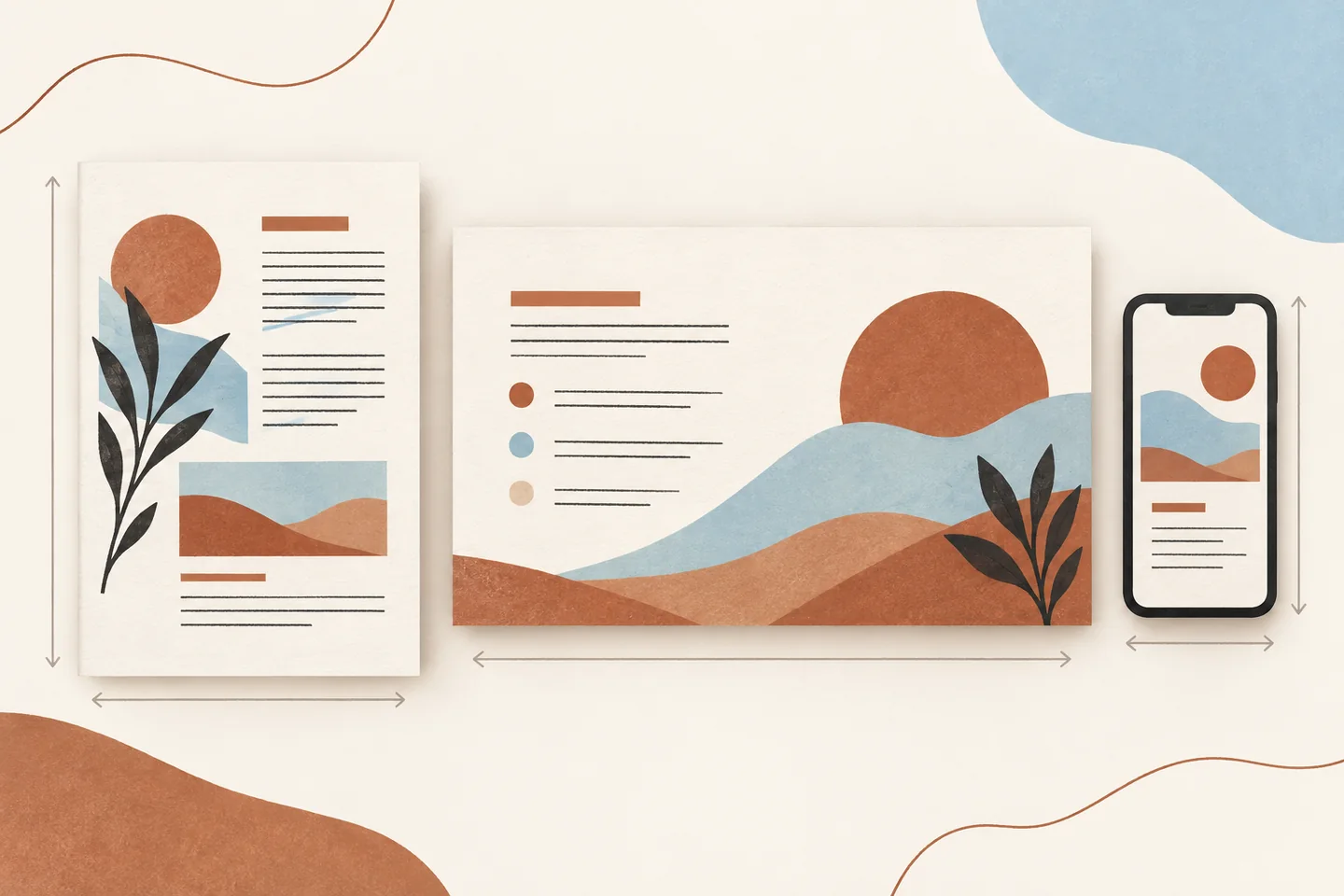
Inside Canva, search its ebook templates and inspect several interior pages before choosing one. Canva's ebook maker page describes templates with front, inside, and back-cover pages that you can keep, remove, or edit. Choose a design whose existing page types fit your outline. A template with a strong cover but no useful interior structure may create extra work.
Then set a few design rules: one heading style, one body style, a small color palette, and a consistent treatment for examples and prompts. Do not use color alone to distinguish instructions from body text. Check contrast and leave enough open space around the content. If a page feels crowded, shorten the copy before reducing the type to an uncomfortable size.
Edit the template without inheriting its assumptions
Replace every sample headline, placeholder, stock example, and callout. Search the whole design for leftover words such as “Lorem ipsum,” template instructions, or a previous brand name. Review any icons and photos for fit, permission, and relevance to your topic.
Keep layouts consistent where readers benefit from repetition. A lesson page can share a stable heading and footer. A reflection page may need more room. A full-bleed cover and a writing page do not have to look identical to belong in the same guide.
Use the following editing pass:
- Replace the title and subtitle with language that matches the actual contents.
- Replace sample paragraphs with one idea and a useful example per section.
- Remove pages that do not support the guide's stated purpose.
- Check that navigation labels, page numbers, and links point to the right place.
- Confirm that images, fonts, and other design elements are licensed for your intended use.
- Read each page at normal viewing size, then scan the full guide for visual consistency.
Canva's template and sharing features can change, and available elements or permissions can depend on the account and asset. Check the current terms and the design's sharing controls before distributing a template link or a finished file. A PDF download is often simpler when readers only need to view the resource.
Export a PDF and test it like a reader
Check the exported PDF on a phone and computer. The editor preview can hide awkward line breaks, links that fail, or elements close to a page edge. Canva's file-type guide distinguishes PDF Standard, described for illustrations, text, and graphics at 96 dpi, from PDF Print, which is designed for printing at 300 dpi and can include print marks and color-profile options.
For a screen-first lead magnet, start with PDF Standard and check file size, text, and images. Use PDF Print when the reader needs a print-ready file. The right choice depends on how the guide will be used. Canva's download instructions note that some options depend on plan type, so confirm the controls available in your account before promising a format.
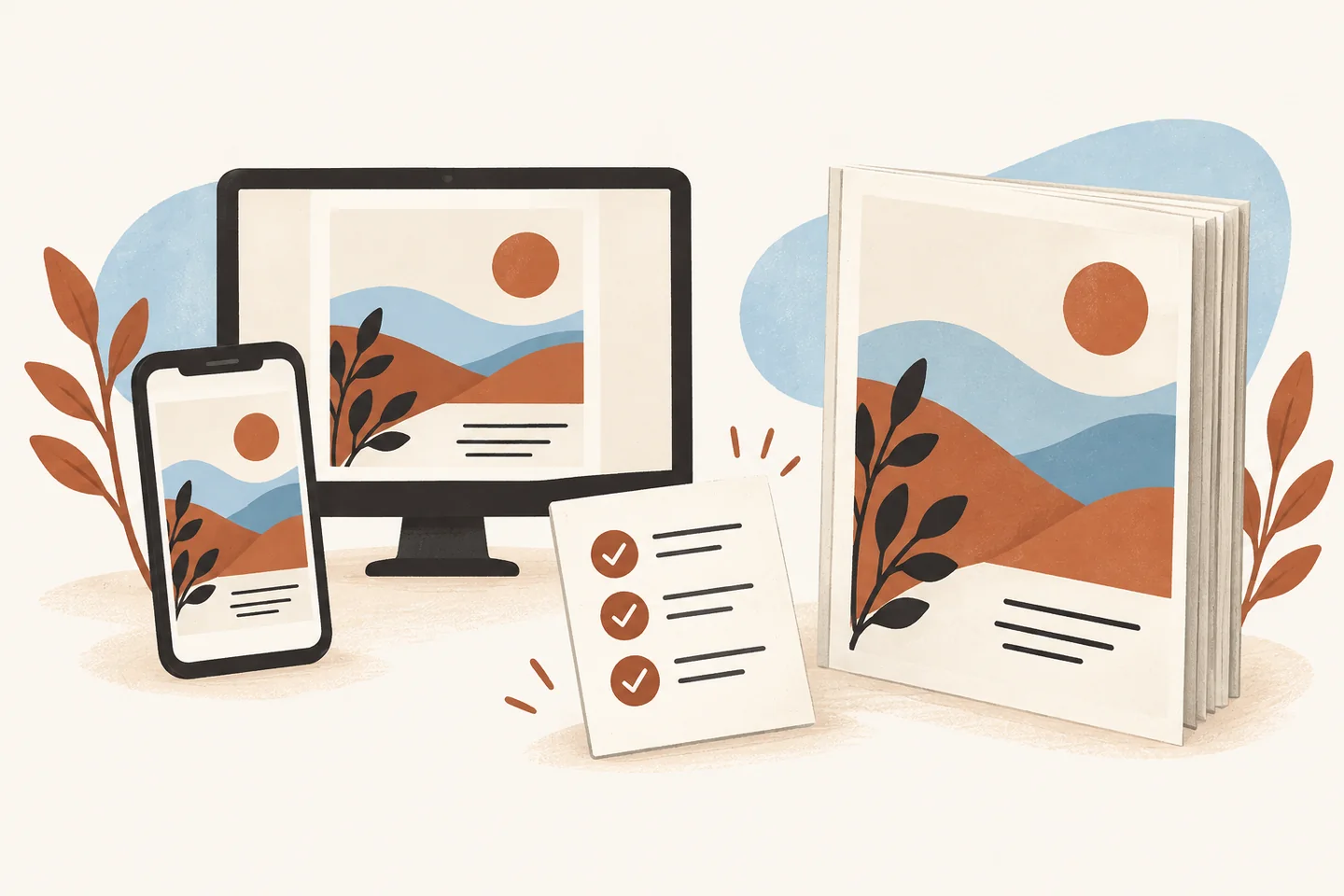
Review the first and last page, link destinations, page order, and text wrapping. If the guide is for print, use a print preview to check scale and margins. If the PDF contains form fields or fillable areas, test them in the PDF reader your audience is likely to use.
Ask a person who has not seen the draft to find one specific piece of information. Notice where they pause or scroll back. That small reading test can show whether the headings and sequence are doing their job. Make changes where they remove friction, then export and inspect the file again.
What makes a coaching ebook template useful?
The helpful part is the path from question to action. The design should make that path visible, while the content stays specific to your audience. A template can provide page layouts and visual defaults, but it cannot decide what your reader needs or verify whether your advice fits your service.
For a new coach, the first useful resource may be a short guide that introduces one idea before a discovery call. For a coach already preparing client materials, a workbook may be a better fit. The Ultimate Coaching Kit contents include the Workbook Creator and Marketing Plan Creator among 13 Canva kits. The set also includes coaching social media templates, slide decks, worksheets, print materials, and logo templates. Those kits give you format options; decide which ones belong in your resource after you review their contents.
Review each file and adapt it to your audience, service, and permissions before sharing anything with clients. Browse other coach-focused resources in the Ultimate Coaching Kit blog when you need a different format.
This article is published by the Ultimate Coaching Kit editorial team. Canva's official ebook and download guidance was checked on October 26, 2026. Our editorial policy explains how the team checks product claims and sources. The guide explains a design workflow; it does not promise that a freebie will attract subscribers or clients.
Before sending the file, check the promise against the pages, remove unnecessary content, verify the permissions, and test the exported PDF on the devices your reader may use. If the resource helps someone understand one idea or complete one useful task, it is ready to share.
Frequently asked questions
Should a coach make an ebook or a workbook?
Choose an ebook when the reader mainly needs an explanation or a short sequence of ideas. Choose a workbook when the reader should write, decide, or practice as they go. A hybrid can work when each page has one clear purpose, but do not add exercises just to make the file longer.
What size should a Canva ebook be?
Pick the size based on how people will read it. A portrait PDF is familiar on phones and tablets, while a wider layout can suit a presentation or desktop guide. Canva offers size presets and custom dimensions, so preview the exported PDF on the devices your audience is likely to use before settling on a format.
How many pages should a coaching ebook have?
There is no useful page count for every topic. Include enough space to answer one reader question, show the steps, and explain the next action. A short guide with a focused path is easier to finish than a longer file that repeats the same advice. Let the subject determine the length.
Can I use a Canva ebook template for a lead magnet?
Yes. Start with a template whose page structure fits the material, then replace its sample text and imagery. Check the license for every element and the sharing permissions for the design. Before you offer the PDF, test every link and read the file on a phone as well as a computer.
Should I download a coaching ebook as PDF Standard or PDF Print?
For a guide people will read on screen, PDF Standard is generally the lighter digital option. Canva describes PDF Print as a higher-resolution format intended for printing. If readers may print the pages, check color, margins, and legibility in the exported file before sending it.
What should go in a coaching ebook template?
Use a cover, a brief explanation of who the guide is for, a clear contents or route through the material, focused teaching sections, and a final next step. Add a worksheet only when writing or reflection helps the reader apply an idea. Keep contact and promotional details easy to distinguish from the lesson.
How do I make a coaching ebook easier to finish?
Give it one job and make progress visible. Use descriptive section headings, short blocks of text, examples that match your reader's situation, and one action at a time. Remove pages that do not move the reader toward the stated outcome, then ask someone unfamiliar with the topic to follow the guide without your explanation.