How to Create a Workbook in Canva for Your Coaching Work
Create a workbook in Canva by choosing one reader task, mapping the pages, writing useful exercises, and checking the exported PDF before you share it.
By Ultimate Coaching Kit by Cosmo Suite · Editorial policy
Published · 8 min read
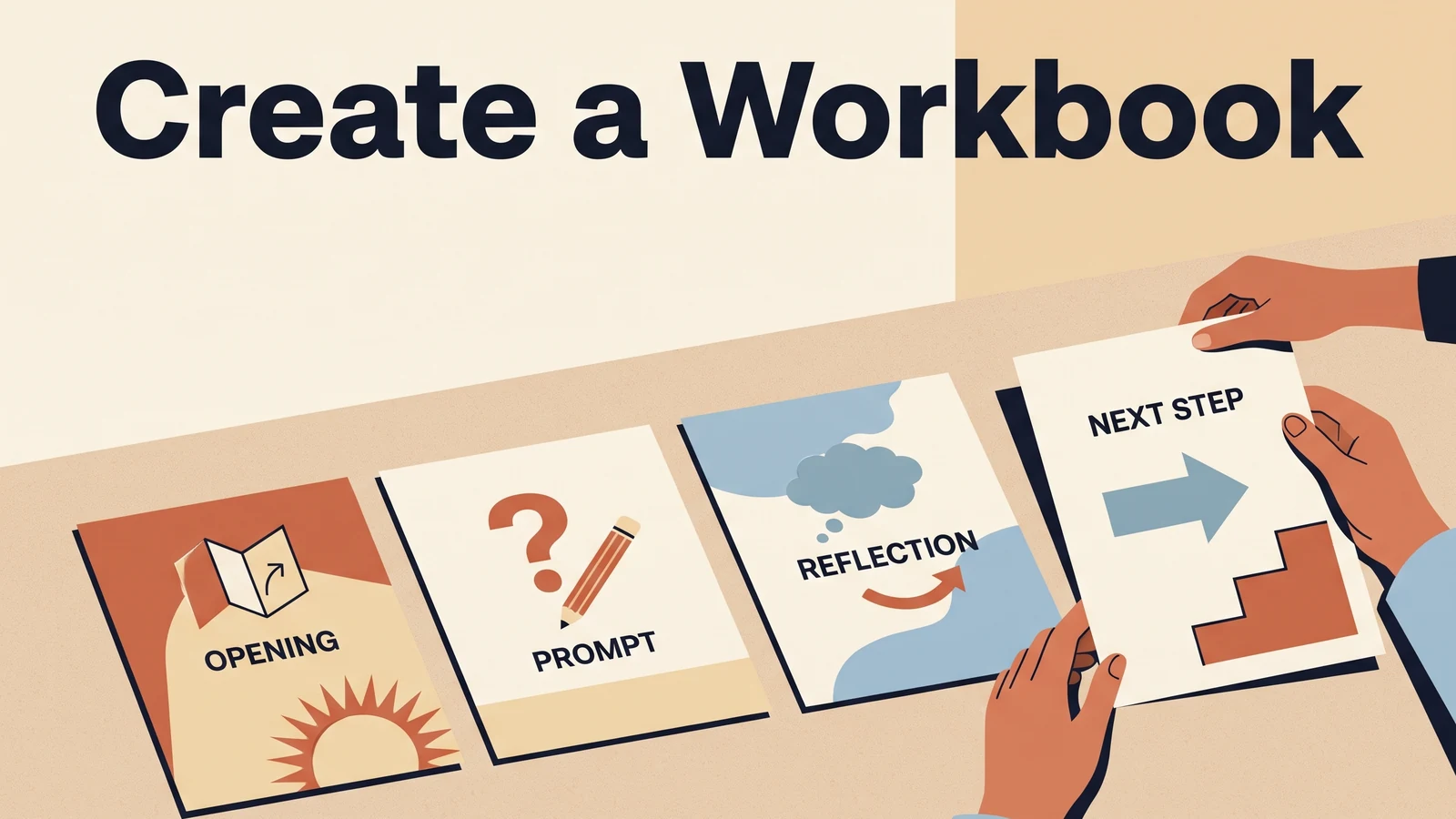
A coach can explain a useful idea clearly in a session, then stall when it is time to turn that idea into pages. The blank Canva file invites a dozen decisions at once: what to include, how much to write, which layout to use, and whether the final resource should be printed or read on a screen.
Write down the reader's task before opening a design. That choice will shape the pages and the cover. A coaching workbook is a guided document that helps someone understand, practice, and review a process. This guide shows how to plan that route, give the pages a consistent look in Canva, and check the exported PDF before sharing it with a client or email list.
Workbook creation steps at a glance
To create a workbook, define the reader's task first, map the route, and design pages only after you know what each page must help the reader do.
| Stage | What you decide | Useful output |
|---|---|---|
| Pick the task | Who will use the workbook and what will they work on? | One-sentence purpose |
| Map the route | What does the reader need to understand, try, and review? | A short page sequence |
| Draft the activities | What instructions, examples, and prompts support each step? | Finished working copy |
| Set visual rules | How will headings, prompts, and examples look consistent? | A small style guide |
| Build in Canva | Which layouts fit the work on each page? | A complete design |
| Inspect the export | Does the downloaded file work on screen or paper? | A checked PDF |
This order limits rework. A layout chosen before the content can leave too little room for an instruction or response. Decide the page's job first, then choose a layout that gives the reader enough room to do it.
Choose one reader and one useful finish
A workable coaching workbook has a clear reader and a finish the reader can recognize. “Get better at business” is too broad to guide the pages. “Prepare three questions for an upcoming discovery call” gives you something concrete to build around.
For example, imagine a business coach making a short resource for a consultant who is preparing for a first discovery call. The workbook could help the reader clarify what they offer, list what they need to ask, and note what they want to decide after the conversation. This fictional example illustrates the planning process.
Write a simple brief before you open Canva:
- Reader: Who is this for, and what do they already know?
- Moment: When will they use the workbook?
- Task: What should they think through, practice, or prepare?
- Finish: What will they have written, chosen, or reviewed?
- Boundary: What is outside the resource's purpose or your coaching service?
Keep the finish within your control. A workbook can help someone prepare questions; it cannot promise what another person will decide or whether a business will gain clients. When the subject touches health or mental wellbeing, describe the material as support for a coaching conversation. It does not replace care from a licensed professional.
If the reader mainly needs an explanation, an ebook may fit better. If they need to make choices or practice, a workbook gives them space to do that. This comparison of ebook and workbook formats for a coaching freebie can help you choose. The Ultimate Coaching Kit overview also maps coaching materials by the job they support. A ready-made set of coaching materials to adapt for your work may help if you want a starting point for the design side.
Map the route before designing pages
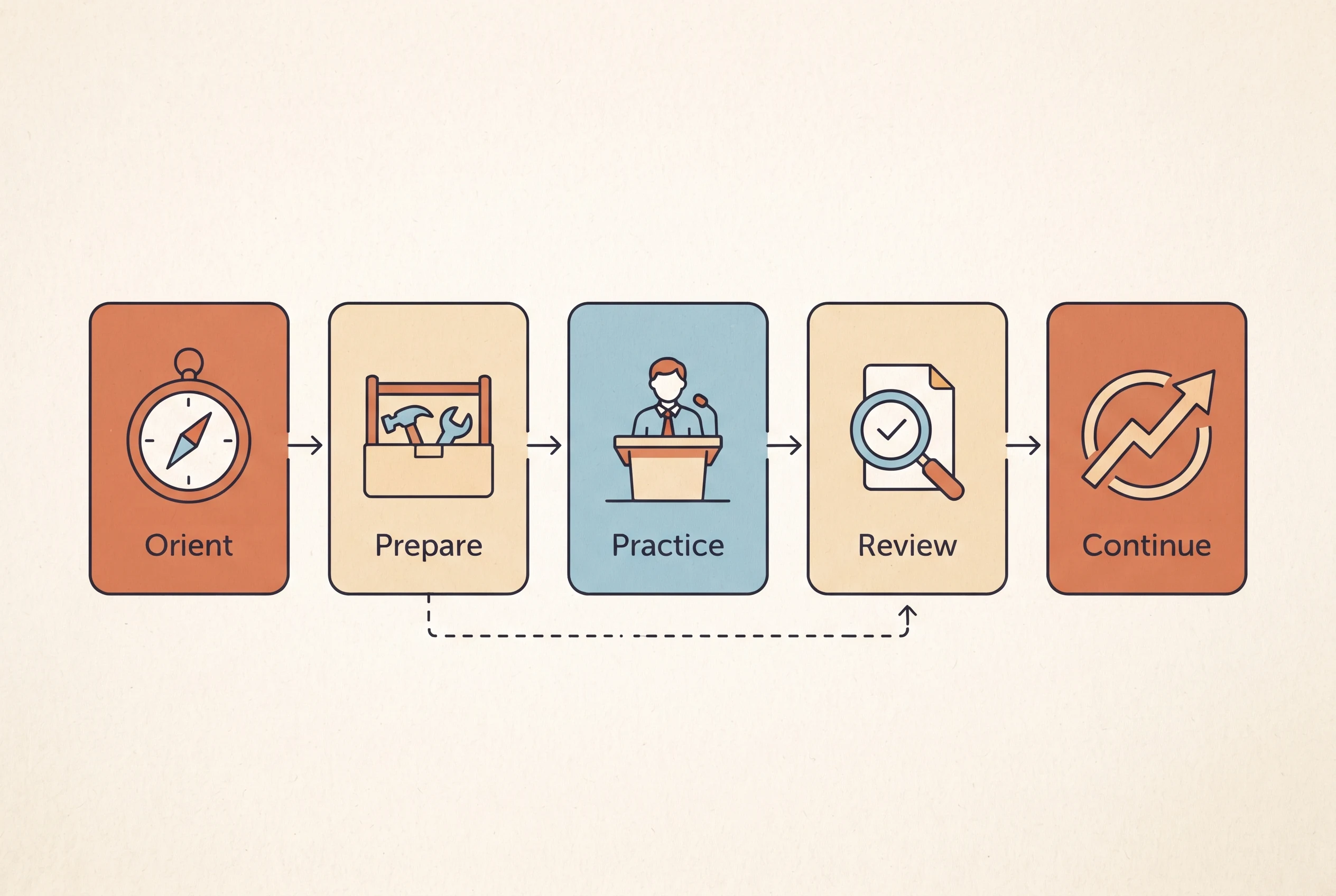
Plan the workbook as a route with a beginning, working section, and close. That route might be short. It still needs to orient the reader, explain what they need, give them a useful action, and help them decide what to do with the result.
For the hypothetical discovery-call workbook, a first map could look like this:
- Orient: Explain the purpose and how to use the pages.
- Prepare: Help the reader describe the service or question they are bringing.
- Practice: Offer space to draft the key points or questions.
- Review: Ask the reader to check what feels clear and what needs follow-up.
- Continue: Give one reasonable next action, such as saving the notes for the call.
Each item can become a page, a section, or part of a page. Some steps can share a page; others need their own space. Keep a page when the reader needs it to understand or complete the task.
Use this test as you review the map: can a new reader tell where to start, what to do on each page, and where to go next? If the answer is no, add a short instruction or change the order. If a page repeats a previous explanation without adding a new action, cut it. The page-by-page workbook template guide offers another way to think about page roles. A ready-made collection of coaching materials can also give you layouts to review as you map your own route.
Write each exercise so the reader can use it alone
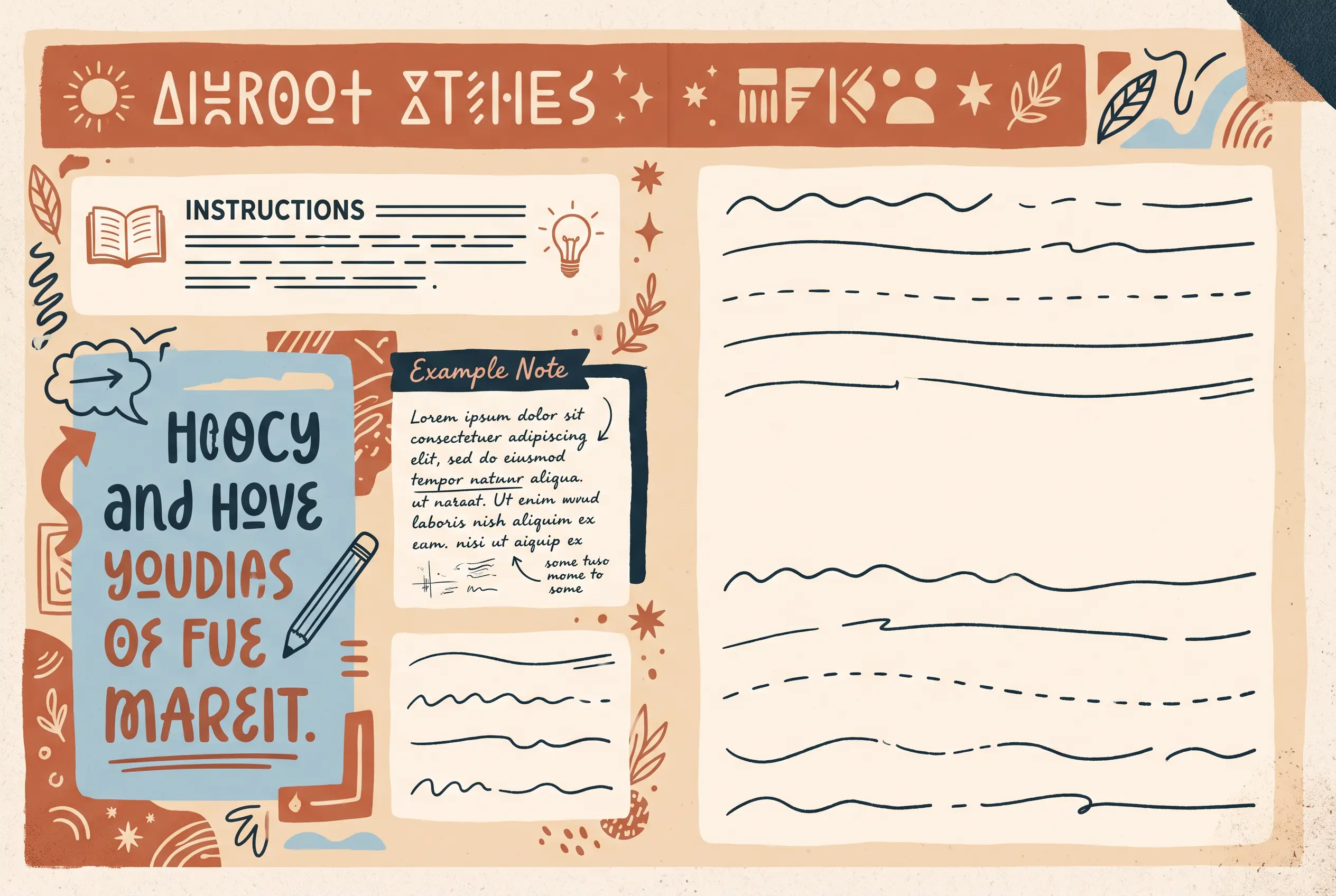
An exercise page should guide the reader through the prompt without a coach beside them. A useful pattern is a short instruction, a small example when needed, a focused question, enough response space, and a clear transition to what comes next.
For the discovery-call example, a broad prompt such as “What do you want?” may leave the reader unsure where to begin. Narrow it: “What is one point you want the other person to understand about your service?” A short example can show the level of detail you mean without suggesting there is only one right answer.
Draft the words before arranging them on the page. Read each instruction aloud. Replace jargon with the language your reader uses. Check that the prompt asks for one kind of response at a time. If a question asks someone to list, rank, and explain, split it into steps or show the sequence clearly.
Match the response area to the task. A quick selection may need checkboxes. A short note may need a few lines. A longer reflection needs more room. Do not use a large blank box as a substitute for a clear instruction. Tell the reader whether they can skip a prompt, bring an answer to a session, or keep it private.
Be careful with sensitive details. Ask only for information that serves the activity. Explain why it is useful and how the reader should handle it. Do not promise confidentiality unless you can support that promise through your actual process.
Set a small visual system in Canva
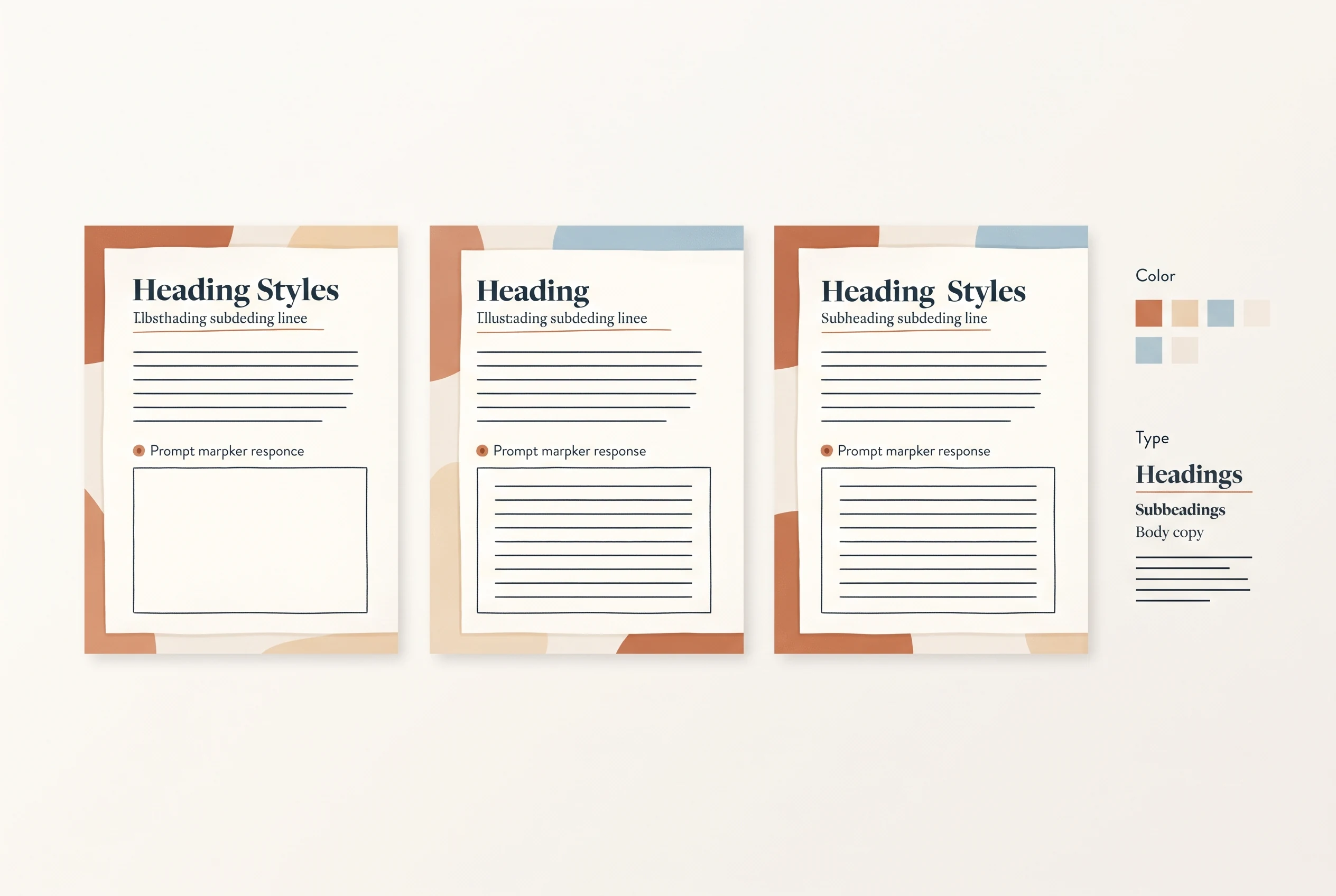
A workbook looks more coherent when its visual rules repeat. Pick a heading style, body text style, a small color palette, and one or two recurring labels before you format every page. You can then vary the layout when a teaching page, prompt, or checklist needs a different shape.
Start from a blank design or a template that already suits the document. Canva's design-from-scratch guidance explains how to choose a design type or custom size. Whatever starting point you use, replace the sample content and review each page at its final size. A polished template still needs the right instructions and enough space for the reader's task.
Use color as one of several cues. A reader should still recognize an instruction or caution if the page is viewed in grayscale. Keep decorative details away from response areas. Use enough contrast for headings and labels, and leave margins around the text so the page does not feel crowded.
Create a repeatable pattern for similar pages. For example, an activity page might always place its title at the top, the instruction just below it, and the response area in the same visual zone. A reflection page can use a different layout while keeping the same heading and prompt styles. Consistency helps the reader recognize page types without forcing every page into one grid.
Export and inspect the file people will receive
Review the downloaded workbook itself alongside the Canva design. Choose the export based on whether readers will view the pages on screen, print them, or do both.
Canva's flattened PDF instructions describe selecting PDF, choosing a digital or print preset, and flattening the file in advanced settings. Flattening preserves the appearance of elements and turns them into static pages. The file may also grow larger. Keep it unflattened when readers need to edit page elements or use interactive fields.
For paper use, check the margins and print settings. Home printers vary, so decide which print marks your readers need before choosing those options.
Open the exported file and move through every page. Look for clipped text, unexpected line breaks, missing links, and page order problems. Read it on a phone at a comfortable zoom. If it is meant for handwriting, print a sample page and see whether the writing area is large enough.
Finally, check the format description. A printable PDF has blank space for handwriting. A screen-readable PDF can be viewed digitally. A fillable PDF has actual interactive fields that accept input. Those are different things. The workbook creator checklist can help you decide which format fits the activity before you share the file.
Where Ultimate Coaching Kit fits
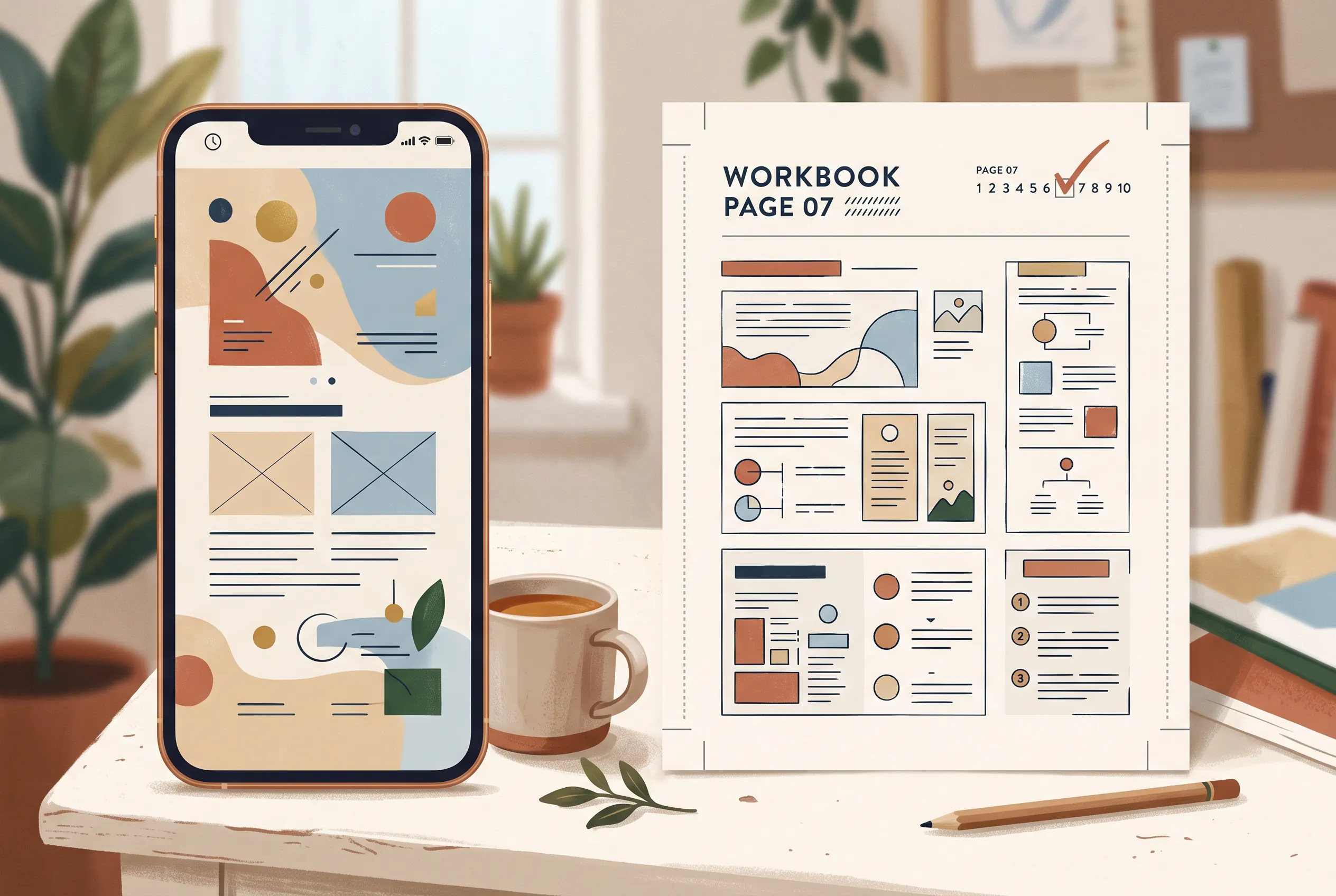
Ultimate Coaching Kit includes a named Workbook Creator Canva kit as part of its 13 Canva kits for coaches. It can give you a design starting point to review and adapt. The contents list does not establish a fixed page count, interactive PDF fields, or whether a free Canva account supports every sharing option, so check those details before relying on them.
You still choose the reader, write the coaching content, and inspect the exported file. If a ready-made set of coaching kits would help with the materials around your practice, review the contents before deciding whether it fits. Learn about the publisher and read the site's editorial policy to see how product information and sources are checked.
Before you send the workbook to a client or add it to an email signup, confirm that the route is clear, each prompt is understandable, and the exported PDF works as intended.
Frequently asked questions
How do I create a workbook for coaching?
Choose one reader and one task. Map the steps they need to follow, write the instructions and prompts, then design pages that support those actions. Export the file and review it on the devices readers will use. Keep each activity within your coaching service and explain any limits that matter.
How many pages should a coaching workbook have?
Use as many pages as the reader needs to understand the task, complete the activities, and decide what to do next. A short resource may need only a few pages. A sequence with several stages may need more. Remove pages that repeat an idea without helping the reader move forward.
What is the difference between a workbook and a worksheet?
A worksheet usually supports one focused activity. A workbook connects several activities or ideas into a guided route. If the reader only needs to answer one prompt, a worksheet may be enough. If the reader needs context, practice, and a follow-up step, a workbook can make the sequence clearer.
Can I create a workbook in Canva?
Yes. You can start from a blank design or adapt a suitable template in Canva. Choose a page size for the way people will use the file, replace sample text, and check the export before sharing. Review Canva's current account and sharing options if you plan to distribute an editable template link.
Should I export a coaching workbook as PDF Standard or PDF Print?
Choose the export for the reader's use. A screen-first workbook may need a lighter digital PDF. For paper use, review print settings, margins, and legibility. Canva offers PDF downloads with digital and print presets; inspect the exported file instead of assuming the editor view matches it.
Can a Canva workbook PDF have fillable fields?
A drawn response box or blank line gives readers space to write, while an interactive PDF field accepts typed input. Add real fields with a suitable PDF tool and test them with a keyboard and screen reader when readers need to type into the file. Describe the workbook as printable or screen-readable when it has no interactive fields.
Can a coaching workbook be a lead magnet?
It can be a useful free resource when it answers one relevant reader question and makes the next step clear. Give the workbook a focused purpose, avoid promising a result you cannot control, and tell readers what they will receive before they sign up.
Sources
Keep reading
Workbooks and lead magnets
Workbook Template for Coaches: Plan Each Page With a Clear Job
workbook template for coaches: plan a clear goal, module divider, exercise, reflection, and next step for a useful client or workshop workbook.
· 7 min read
Workbooks and lead magnets
Ebook Template Canva: Make a Coaching Freebie People Can Use
Ebook template Canva: plan a coaching freebie, choose a reading size, shape each section, and export a practical PDF your audience can use.
· 9 min read
Workbooks and lead magnets
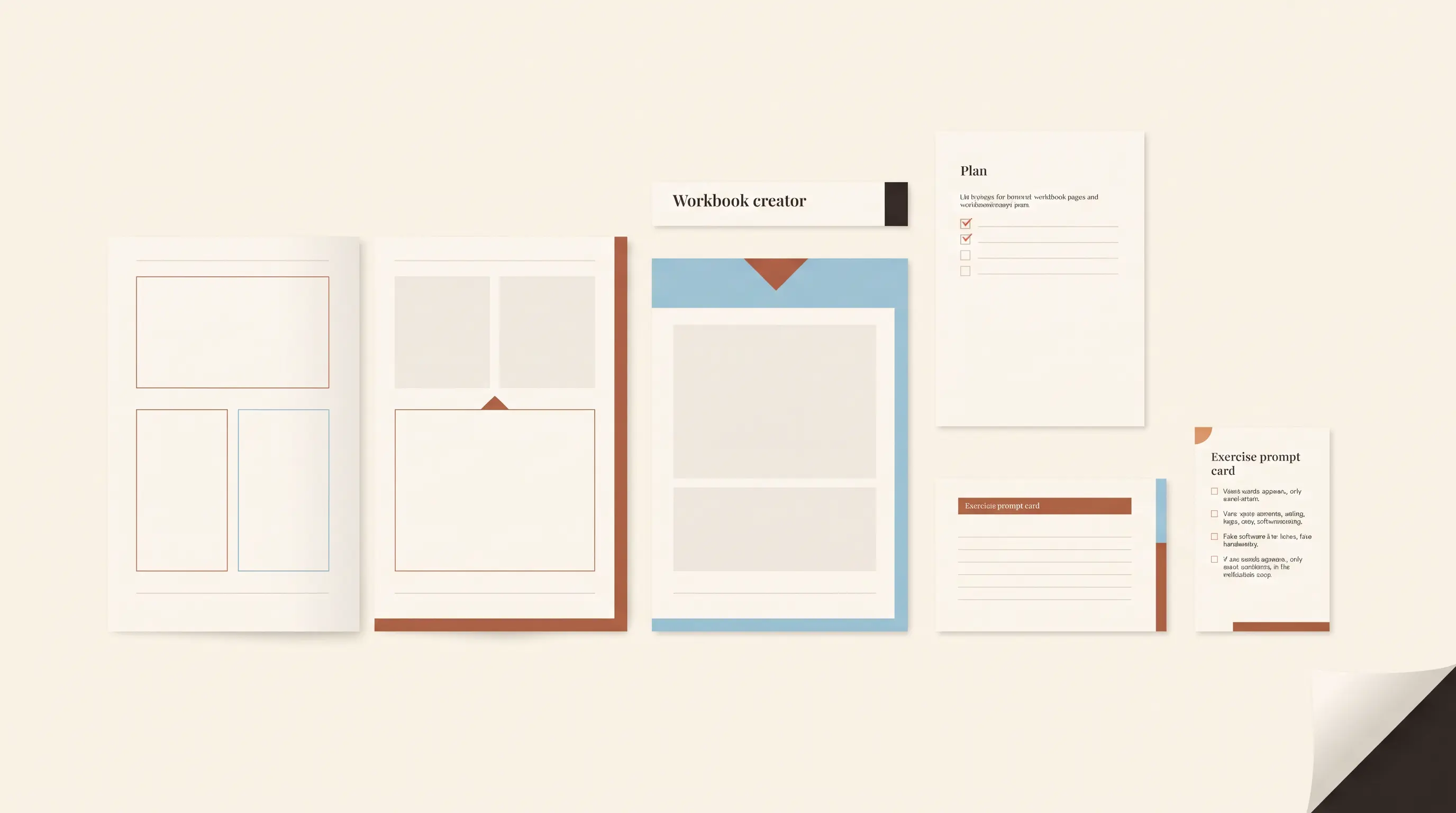
Workbook Creator: A Coach's Template Checklist
Workbook creator: check page types, prompts, writing space, brand styles, and export format before you choose a digital workbook template for coaching.
· 8 min read