Coaching Kit: What to Prepare for Clients, Marketing, and Your Brand
coaching kit: see the client materials, marketing pieces, and brand assets to prepare, plus what to build first when your coaching practice is new.
By Ultimate Coaching Kit by Cosmo Suite · Editorial policy
Published · 8 min read
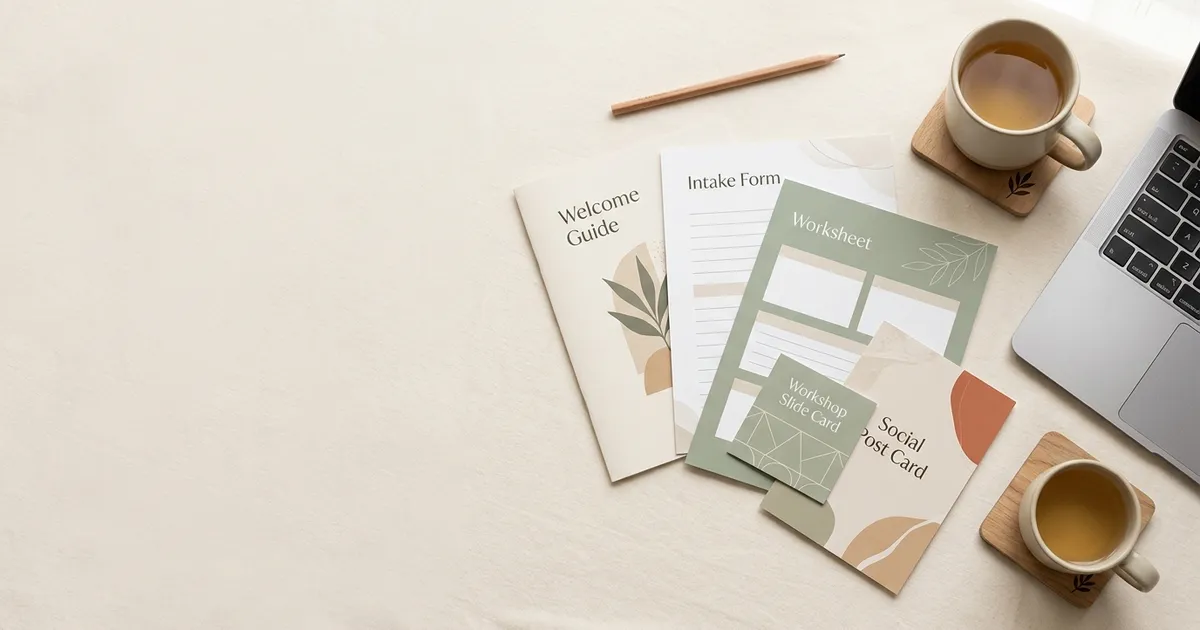
You can be ready to coach and still feel unprepared when someone asks what happens after a discovery call. The welcome email is a draft, the intake questions are in a document, and your workshop slides use a different look from your posts. A coordinated set of materials can close that gap. A ready-made coaching kit for client work and marketing can give you a starting set to review.
A coaching kit is a set of materials for the connected jobs in a coaching practice: client work, marketing, and brand presentation. It does not need to be enormous. If you are starting out, a few useful pieces can carry you through the next client conversation while you build the rest. The sections below sort the parts by job and set out a practical starting order.
Coaching kit parts at a glance
A useful coaching kit covers the path from first impression to ongoing client work. The table groups the materials by job, so you can spot the gap that matters now.
The approved contents list has 14 kits: six for client work and eight for marketing and presentation. That split is useful when you are choosing a starting point. A coach with clients but no lead magnet can prioritize the client group first; a coach preparing to launch can choose one visible marketing asset and one onboarding asset.
| Job | Useful materials | Best for |
|---|---|---|
| Introduce your practice | Social posts, a service flyer, a lead magnet | Helping a potential client understand your offer |
| Welcome a client | Welcome guide, intake form, coaching agreement | Setting expectations before the first session |
| Support sessions | Session notes, worksheets, reflection prompts | Giving a client a clear way to work between sessions |
| Teach a group | Workbook, workshop slides, activity pages | Running a class, webinar, or group program |
| Keep a consistent look | Logo, color and type choices, reusable layouts | Making materials feel like one practice |
You do not need every item in every row on day one. Choose by the next real moment in your business. A coach with a discovery call tomorrow needs a clear service introduction; a coach who has booked a client needs a welcome and intake path.
What belongs in the client side of a coaching kit?
Client materials help you explain the process and support the work you have agreed to do together. Start with the first week: what the client needs to know, what information you need from them, and what you will use in the first session.
Welcome materials: set expectations
A welcome guide can explain how sessions work, how to prepare, how to contact you, and what happens between meetings. Keep it practical. A client should be able to find the next step without searching through a long document.
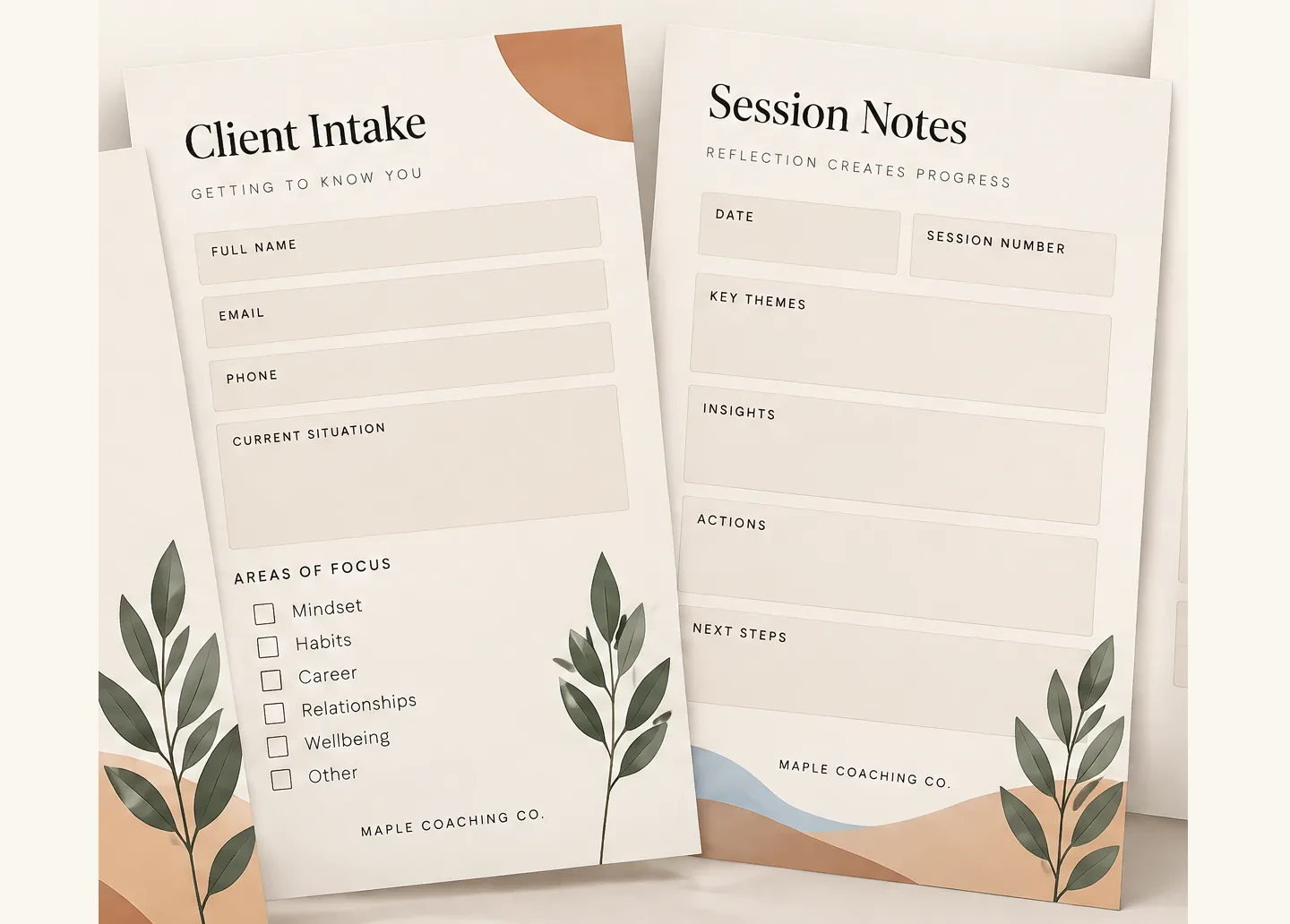
An intake form can collect the information you need before the first meeting. Ask only for details that have a clear purpose in your process. Give clients a way to ask questions about sensitive fields, and explain how you handle their information. The International Coaching Federation's Code of Ethics calls for a coaching agreement that covers roles, responsibilities, and confidentiality before coaching begins. Your own terms should reflect your service and the rules that apply to you.
Session aids: make the work usable
A session note page can keep the goal, actions, and follow-up visible. A worksheet can help a client reflect on a decision or prepare for a conversation. The best format depends on the work: a short prompt may be more useful than a multi-page exercise.
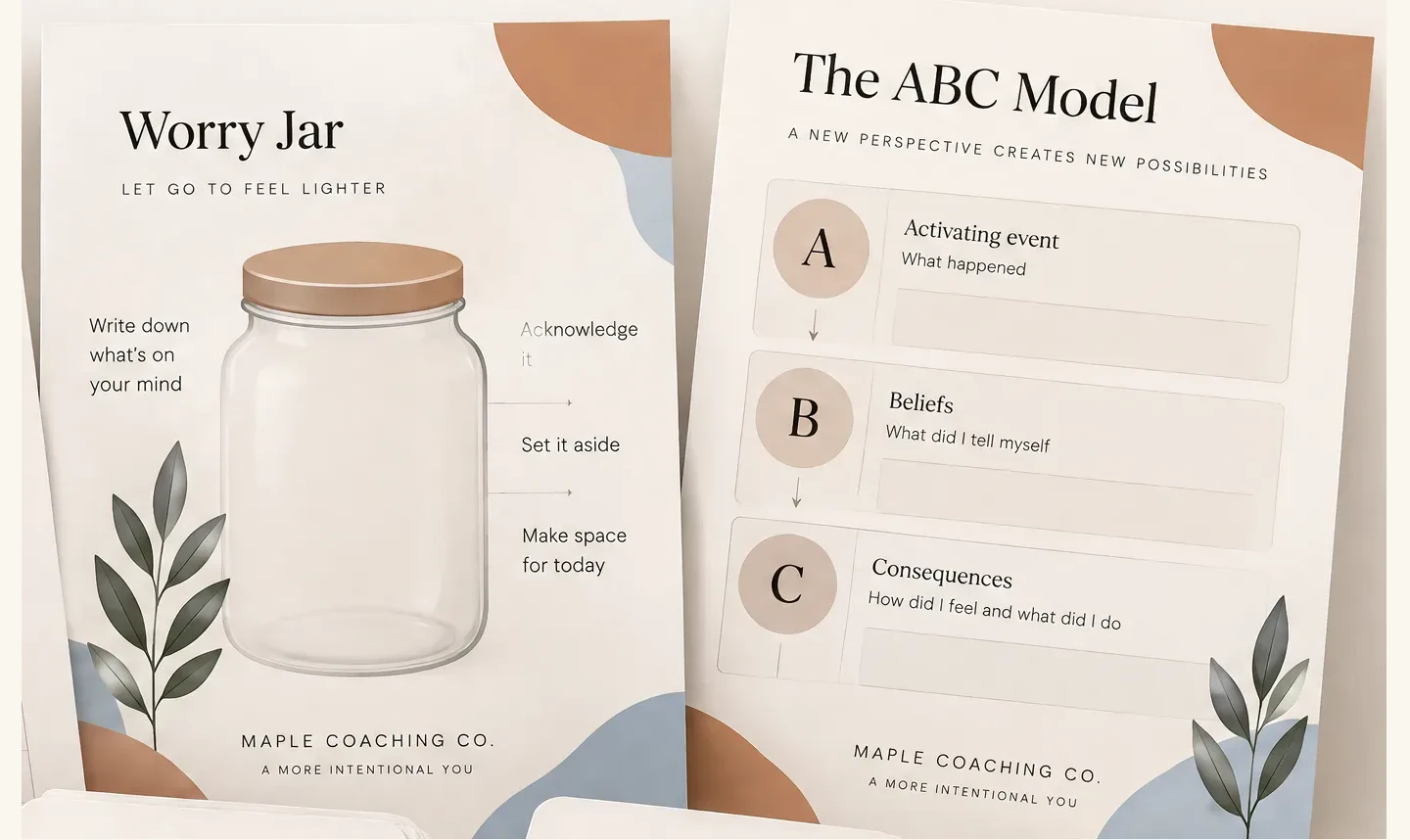
Keep the language within your coaching scope. A worksheet is not a diagnosis, treatment plan, or substitute for clinical care. If a client's needs sit outside your training or service, use your referral process rather than asking a template to cover the gap.
Group materials: plan for more than the talk
A workshop needs more than slides. Plan the sequence: opening, concept, example, participant activity, reflection, and next step. A workbook page or handout should support one part of that sequence. If the exercise is optional, say so. If participants will share answers, explain what they should keep private.
Which marketing materials help a coach show up?
Marketing materials help a potential client understand who you work with and what they can expect. A small set can include a service overview, a few social posts, a workshop flyer, and a useful lead magnet such as a short workbook.
Pick one channel you can maintain. If you plan to post weekly, prepare a repeatable mix: one teaching post, one story from your professional perspective that protects client privacy, and one clear invitation to learn more. Do not promise a result you cannot control. Explain the problem you help with and what a first conversation covers.
A lead magnet should solve one small problem, not try to replace your coaching. For example, a career coach might offer a one-page values reflection before a career-change conversation. A health coach might offer a habit-planning page that helps someone prepare questions for a qualified provider. Keep the scope clear and the next step optional.
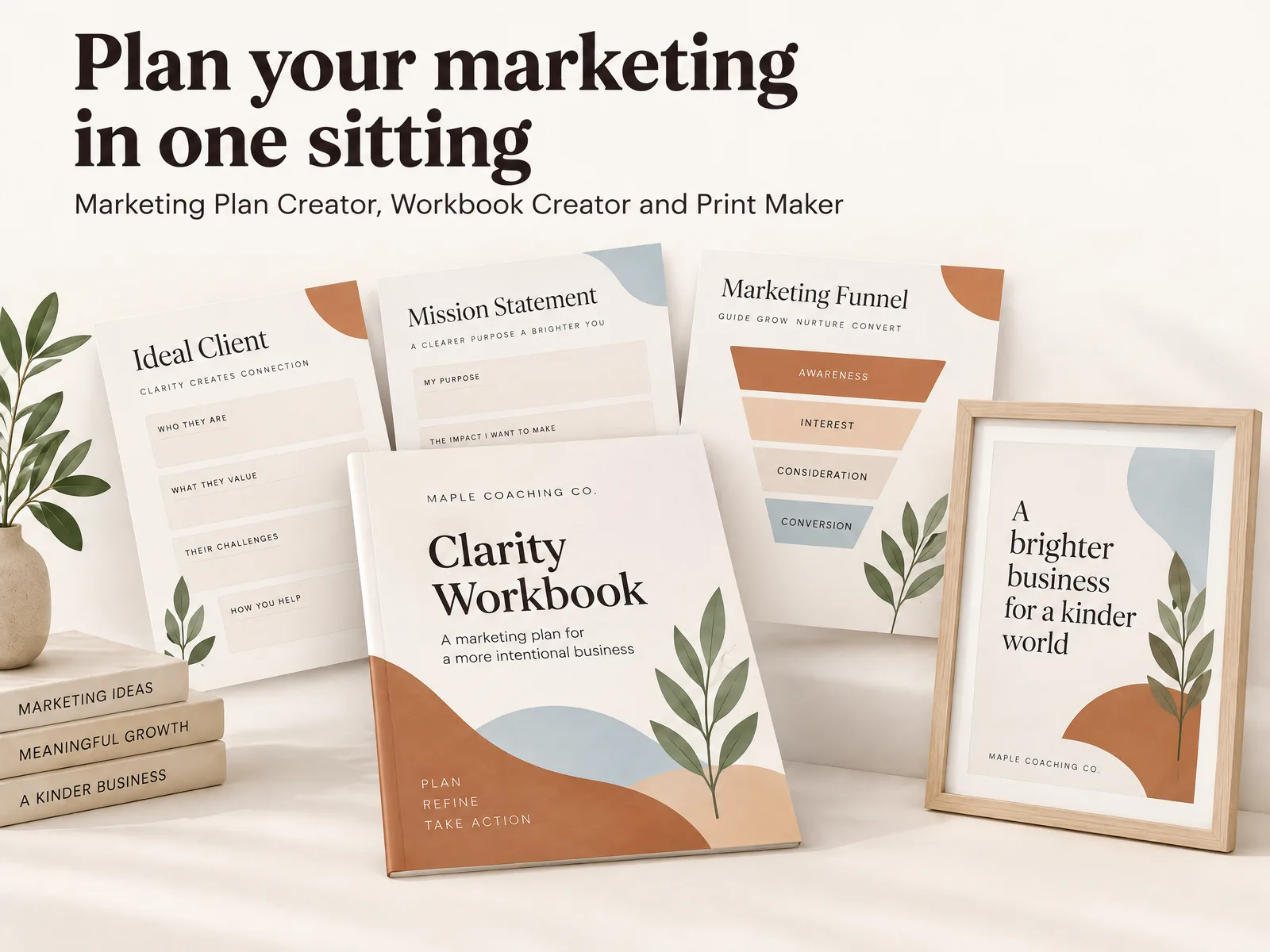
How can one visual system make separate materials feel connected?
Choose a small visual system before you make more pages: a few colors, one heading style, one body style, and a consistent approach to photos or illustrations. Apply that system across the welcome guide, worksheet, slide deck, and marketing pieces.
Consistency does not mean every page looks the same. A worksheet needs space to write; a social post needs a short message; a flyer needs the offer and a way to respond. Keep the recurring details stable and let the layout fit the task.
If you use Canva, check the sharing method and the account limits before choosing a template workflow. Canva says creating template links is available to certain account types, including Pro and Teams, and explains that recipients can view and use a design as a template. Its sharing settings also distinguish viewing, commenting, and editing. Verify current permissions and the license for each asset before sharing it with clients or collaborators.
What should you build first with zero to five clients?
When your practice is new, build around the next step rather than the biggest bundle. Use this order as a starting point, then adjust it to your niche and service.
- Explain your offer. Write a short service overview with who it is for, what happens, and how someone can ask about fit.
- Prepare the first client week. Make the welcome information and intake questions you need before the first session. Keep the agreement separate and tailored to your work.
- Create one session aid. Choose a worksheet or reflection page you will actually use. Test it in your process and revise unclear prompts.
- Make one way to be discovered. Choose a post, flyer, or small lead magnet that points to the service overview.
- Add group or brand assets when needed. Build a slide deck for an upcoming workshop. Add more social layouts when you can keep using them.
This sequence keeps the first set compact. It also gives you a reason to make each next asset: an upcoming client, a real session, or a scheduled workshop.
For example, imagine a business coach preparing for a first discovery call with a potential client next week. The practical first set might be a service overview, an intake form to review before coaching begins, and one worksheet for the first session. The social carousel and workshop deck can wait until there is a real use for them.
What makes a coaching kit useful after the download?
A kit helps when its pieces fit the way you work. Before you adopt any template set, check four things: the materials cover a real job, the wording fits your niche, you can edit the design, and you know what to customize before sharing it. If you are comparing coaching materials organized by business job, use your next client milestone as the filter.
Review every client-facing page. Replace generic examples, remove fields you do not need, and add the boundaries your service requires. Check that intake questions are appropriate, that worksheets are within scope, and that your agreement reflects your own practice. A polished layout cannot make unsuitable content appropriate.
Then test the path from beginning to end. Open the welcome guide as a new client would. Fill out the intake form. Use the worksheet in the session where it belongs. Try the lead magnet on a phone. Small friction shows up quickly when you follow the materials in order.
The product itself is only one part of the system. The coach still decides what to use, what to change, and when to refer a client elsewhere. A ready-made starting point can save layout time, but your process gives each page its purpose.
Where Ultimate Coaching Kit fits
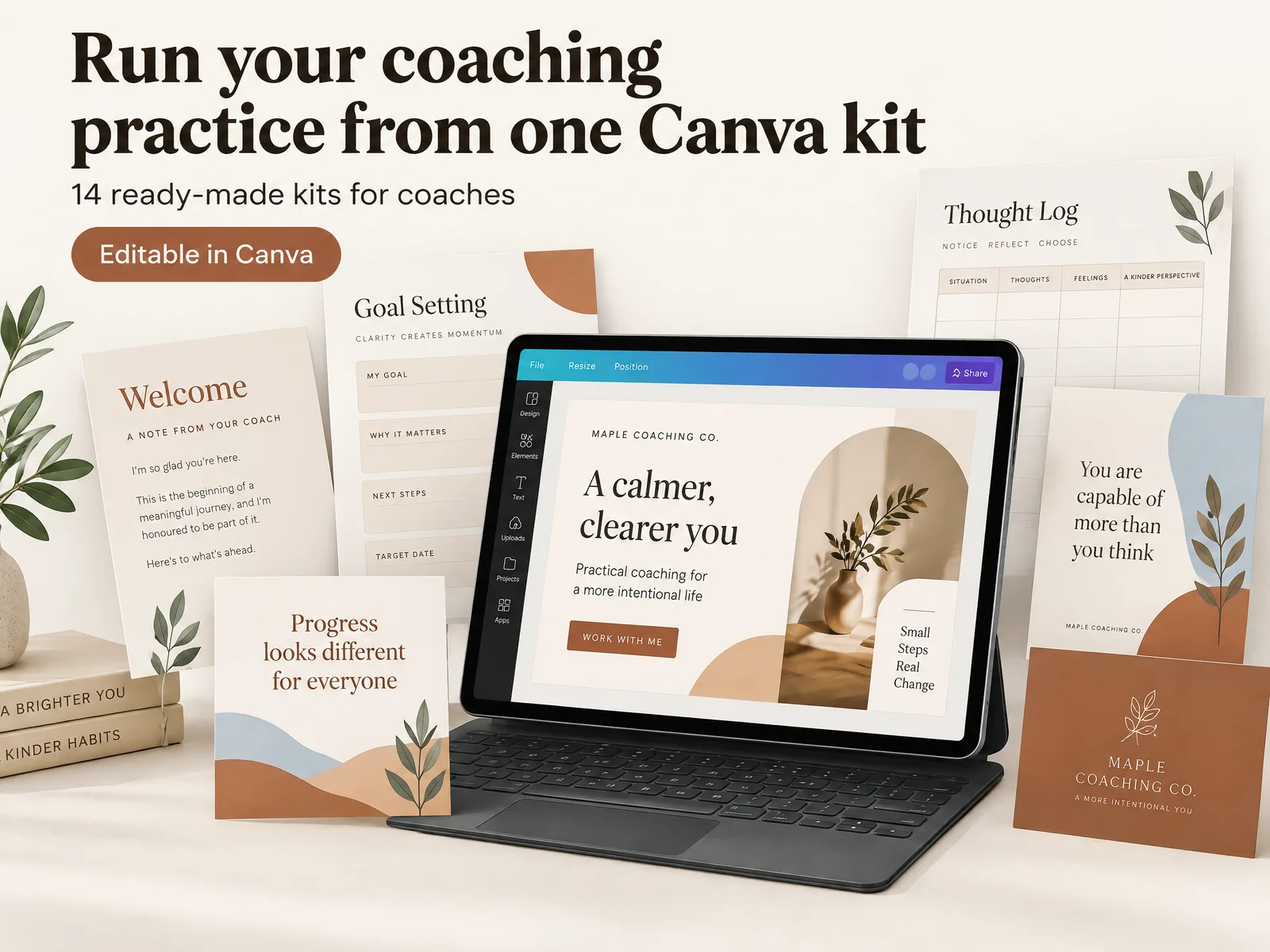
Ultimate Coaching Kit is a Canva bundle for coaches who need materials for clients, marketing, and brand presentation. Its approved contents list names 14 kits: a New Coach Welcome Kit, Coaching Template Toolkit, Workbook Creator, Stress and Anxiety Worksheets, Cognitive Distortions Flash Cards, Coaching Slide Deck, Marketing Plan Creator, Coaching Social Media Templates, Elegant Social Media Kit, Growth Mindset Posts, Mindset Carousels, Step-by-Step Carousels, Coach Print Maker, and Logo Templates.
That range is useful when you need more than posts: you can start with a welcome or worksheet, then use the marketing and brand pieces when they fit your next step. You still need to review each file, add your own language, and confirm that it matches your service before sharing it.
The International Coaching Federation's ethics guidance describes the importance of a clear agreement with clients. Canva's current Help Center explains its template links and sharing permissions. We checked both on October 19, 2026. Those sources inform the workflow advice here; they do not endorse this product. See the coaching kit contents and format if you want a ready-made set to review. Our editorial policy explains how we check product claims and sources.
Before you call your kit ready, check the next client milestone and the assets that support it. A new practice may need only an offer overview, welcome materials, and one session aid. A coach preparing a workshop may need slides, an activity, and a participant workbook. Keep the visual rules steady, but tailor the words and activities to your clients. Check permissions, privacy, and scope before using any form or worksheet. Then test the complete path yourself, from the first invitation through the session follow-up. Add more materials when your work gives you a reason to add them.
Frequently asked questions
What should a coaching kit include?
A coaching kit can include client onboarding materials, intake and session forms, worksheets, a workbook, workshop slides, marketing content, and brand assets. Start with the pieces tied to your next client milestone, then add the rest as your practice needs them.
What is the difference between a coaching kit and a coaching toolkit?
The terms are often used for the same broad idea: materials that help a coach run sessions or a coaching business. Check the actual contents. A client-session toolkit may not include marketing or brand materials, and a marketing bundle may not include client forms.
What should a new coach prepare first?
Prepare a clear welcome and intake path for a new client, then one useful worksheet or session aid. If you are inviting people to a discovery call, make a simple introduction or lead magnet next. You do not need every possible asset before serving your first client.
Do I need separate materials for marketing and coaching sessions?
Yes, they do different jobs. Marketing materials help a potential client understand your work and decide whether to contact you. Client materials support the agreed coaching process after someone begins working with you. Keep both sets consistent with your practice, but do not treat them as interchangeable.
Can I use Canva templates for a coaching kit?
Yes, if the templates match the job and you have permission to use them. Canva's template-link feature lets eligible account types share a design for others to use as a template. Check the current plan limits and each template's license before you build your workflow around it.
How do I make coaching materials look consistent?
Choose a small set of colors, type styles, and image rules, then apply them across the welcome material, worksheets, slides, and posts. Keep the same visual system while changing the page layout to fit the purpose. Consistency should make materials easier to recognize and use.
What is the quickest way to put together a coaching kit?
List the next three moments you need to support: being discovered, welcoming a client, and running a session. Start with one material for each. A ready-made set can reduce the blank-page work, but you still need to review the wording, adapt it to your niche, and check that it fits your service.